Expand to Full Screen for Better Viewing
Lincoln Learning- Course Resources.
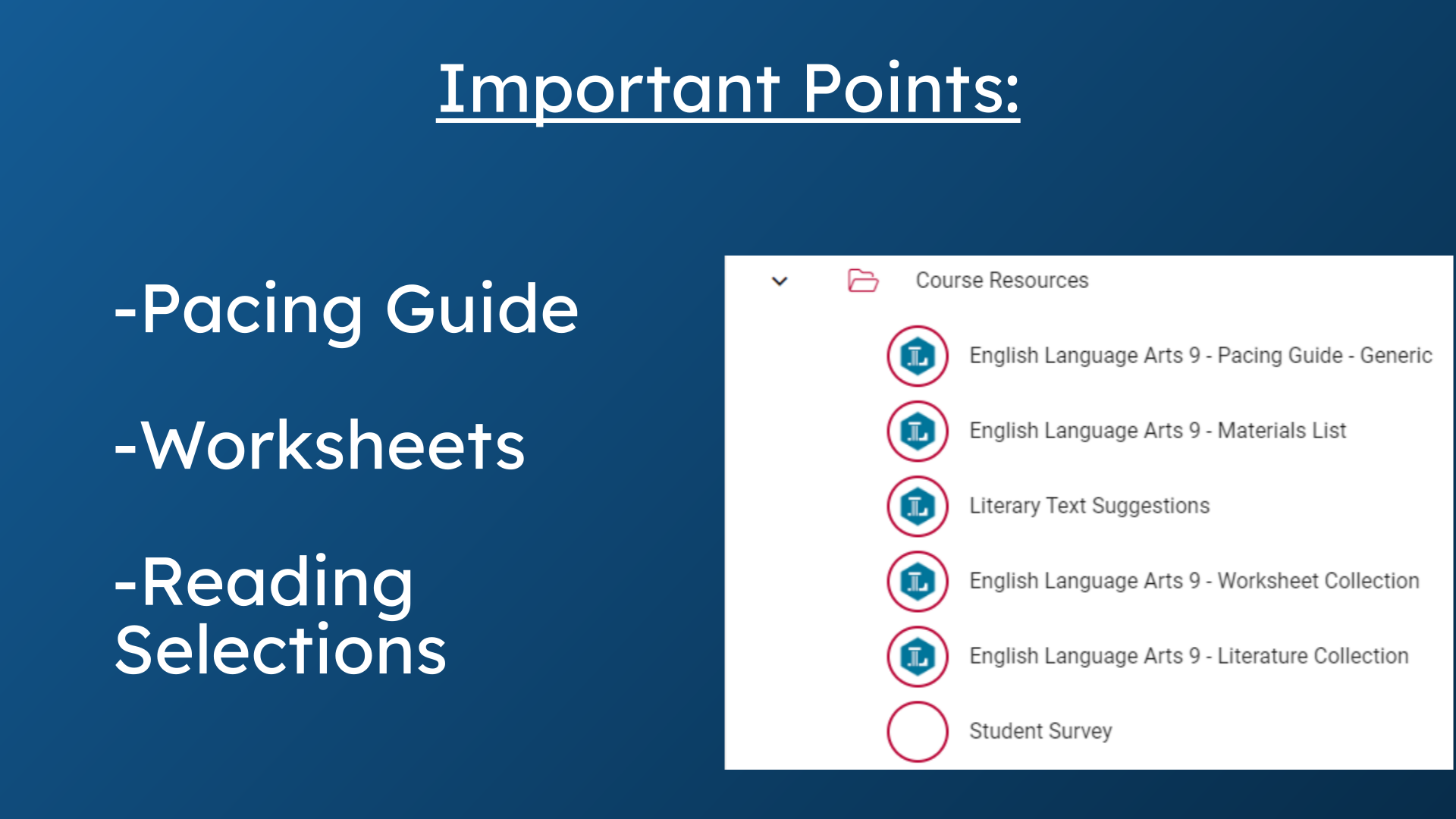
1. Important Points:
This guide provides a walkthrough of course resources found in Lincoln Learning courses. Follow this guide to access helpful resources and download them in different formats.
2. Open Course Resources
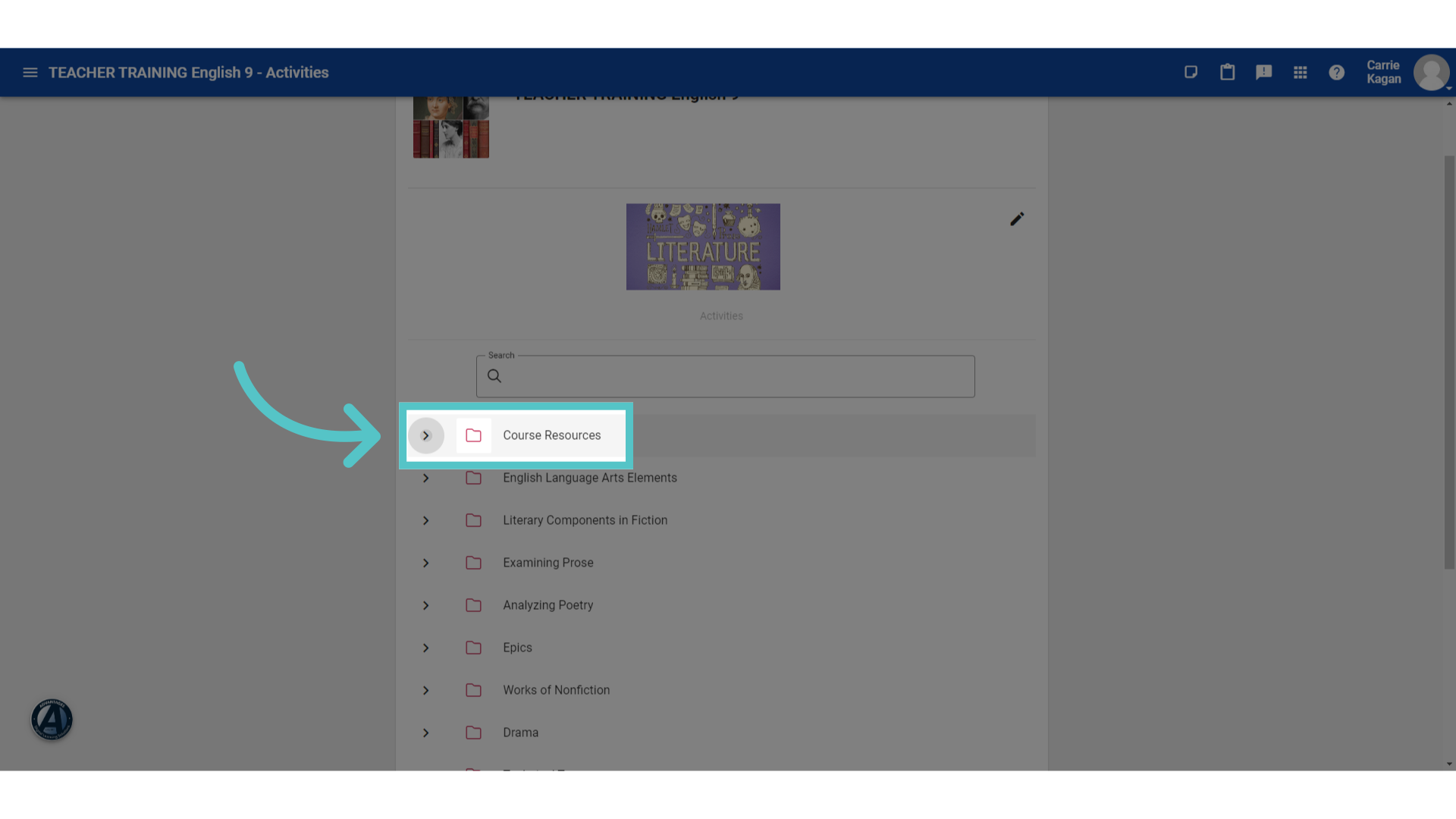
Every Lincoln Learning course begins with a Course Resources Folder. From the Activities menu, click to expand the Course Resources Folder.
3. Pacing Guide
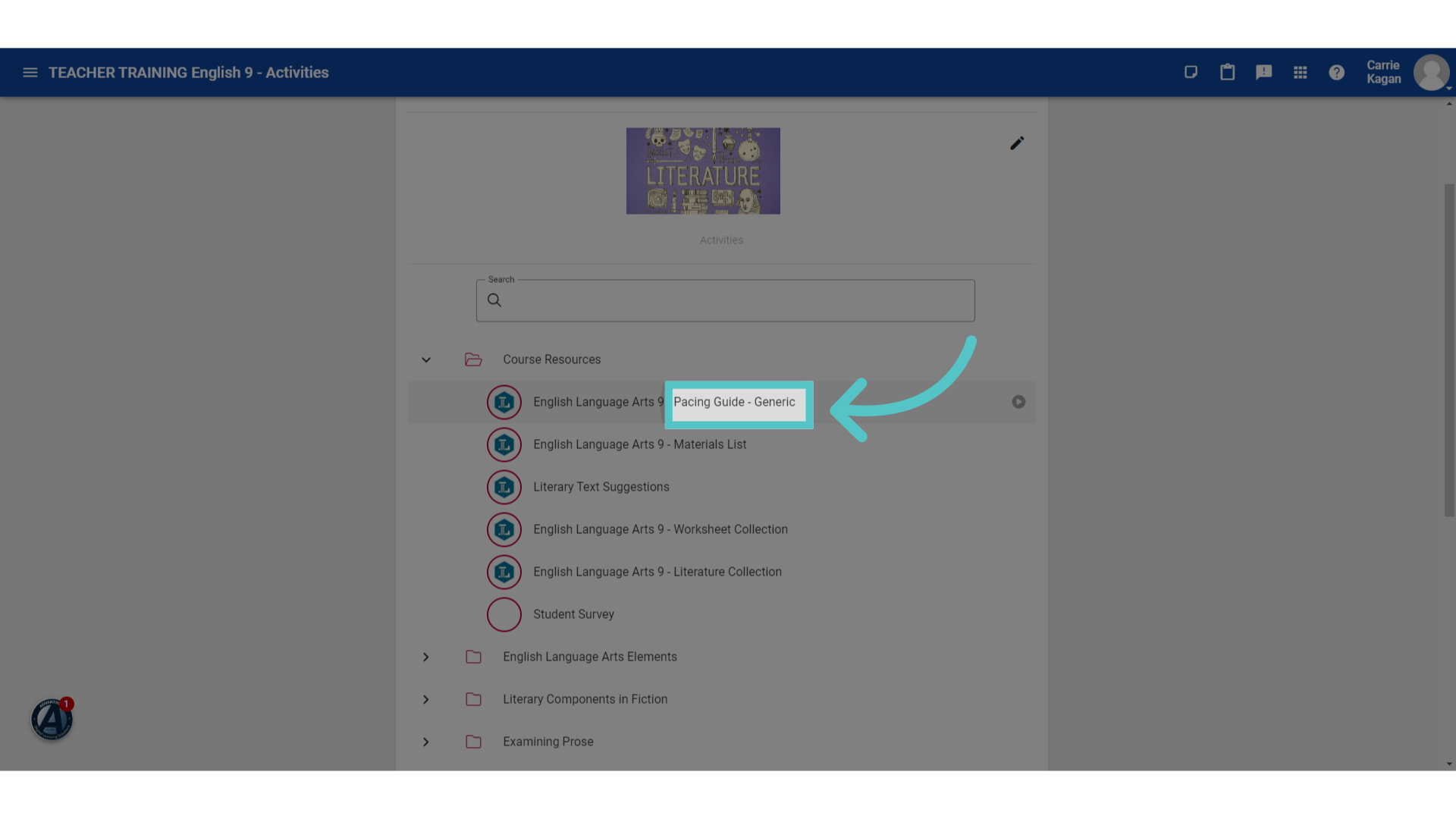
The first resource listed will be the course pacing guide. This is the outline for every lesson in your course.
4. Click "Download"
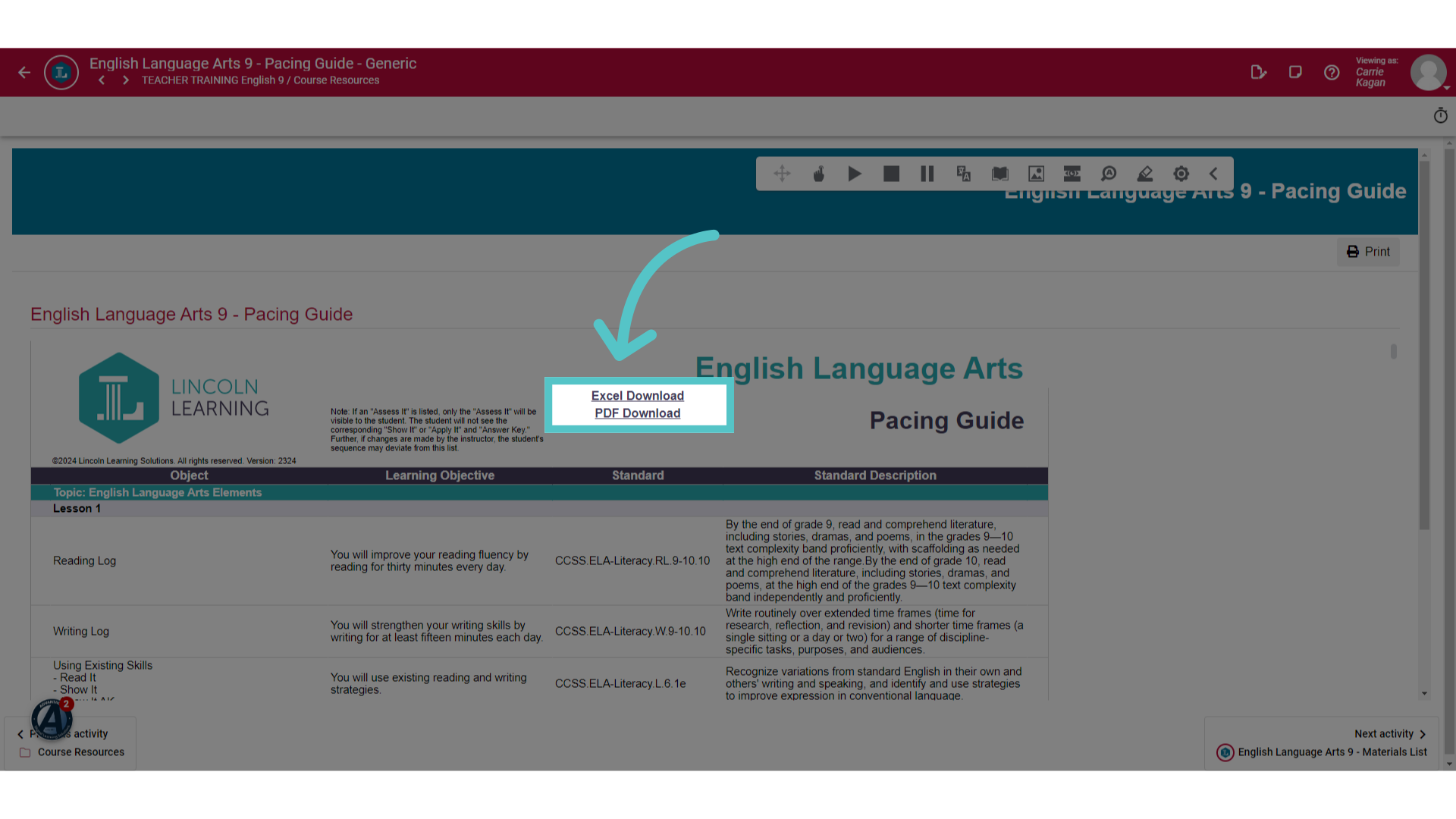
It is recommended that you download the course pacing guide to reference throughout your course. The Excel format will be editable so that you can note reminders for the next time you teach or any changes that you make to the lessons.
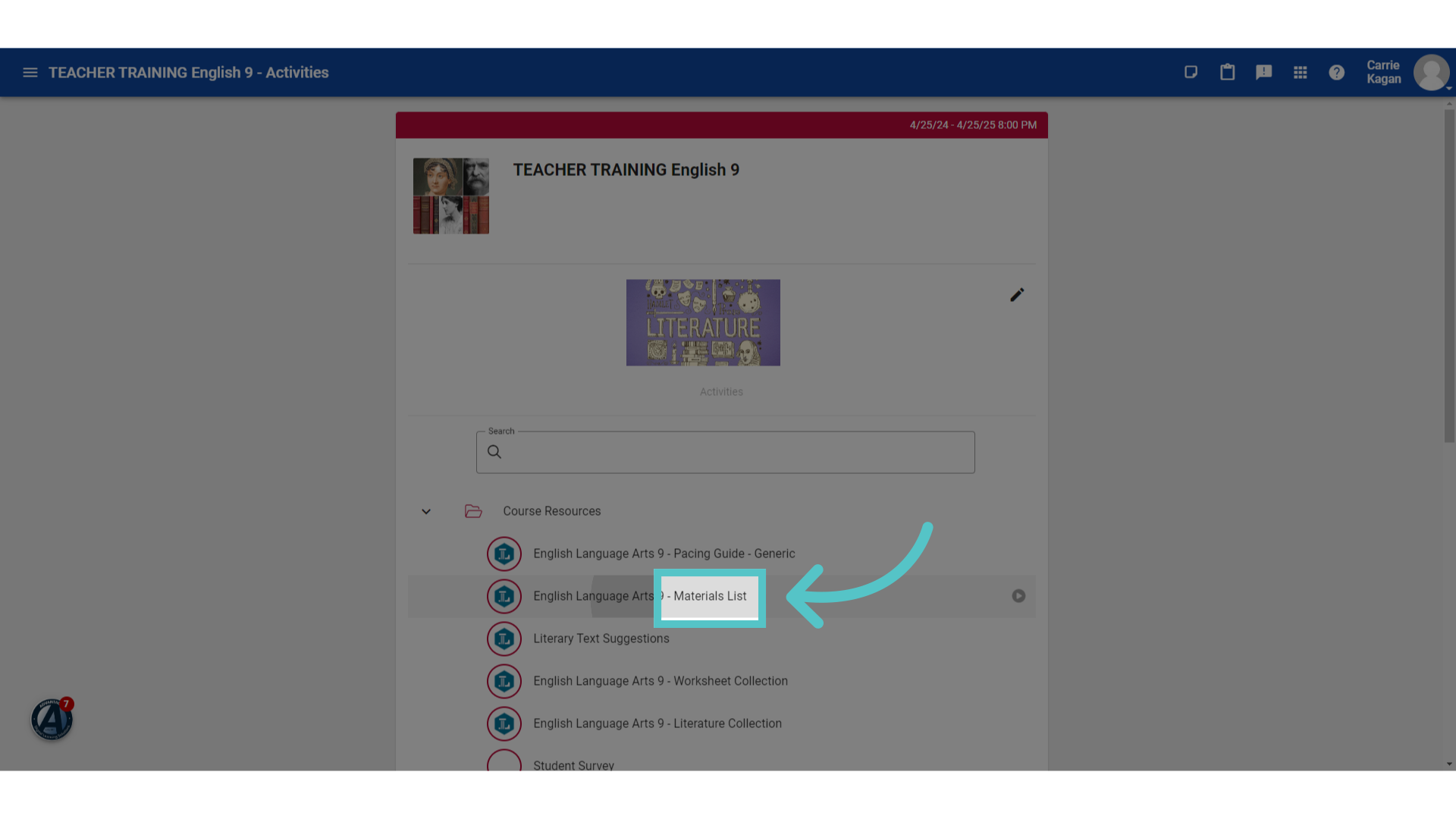
5. Materials List
The next item in your course resources folder is the Materials List.
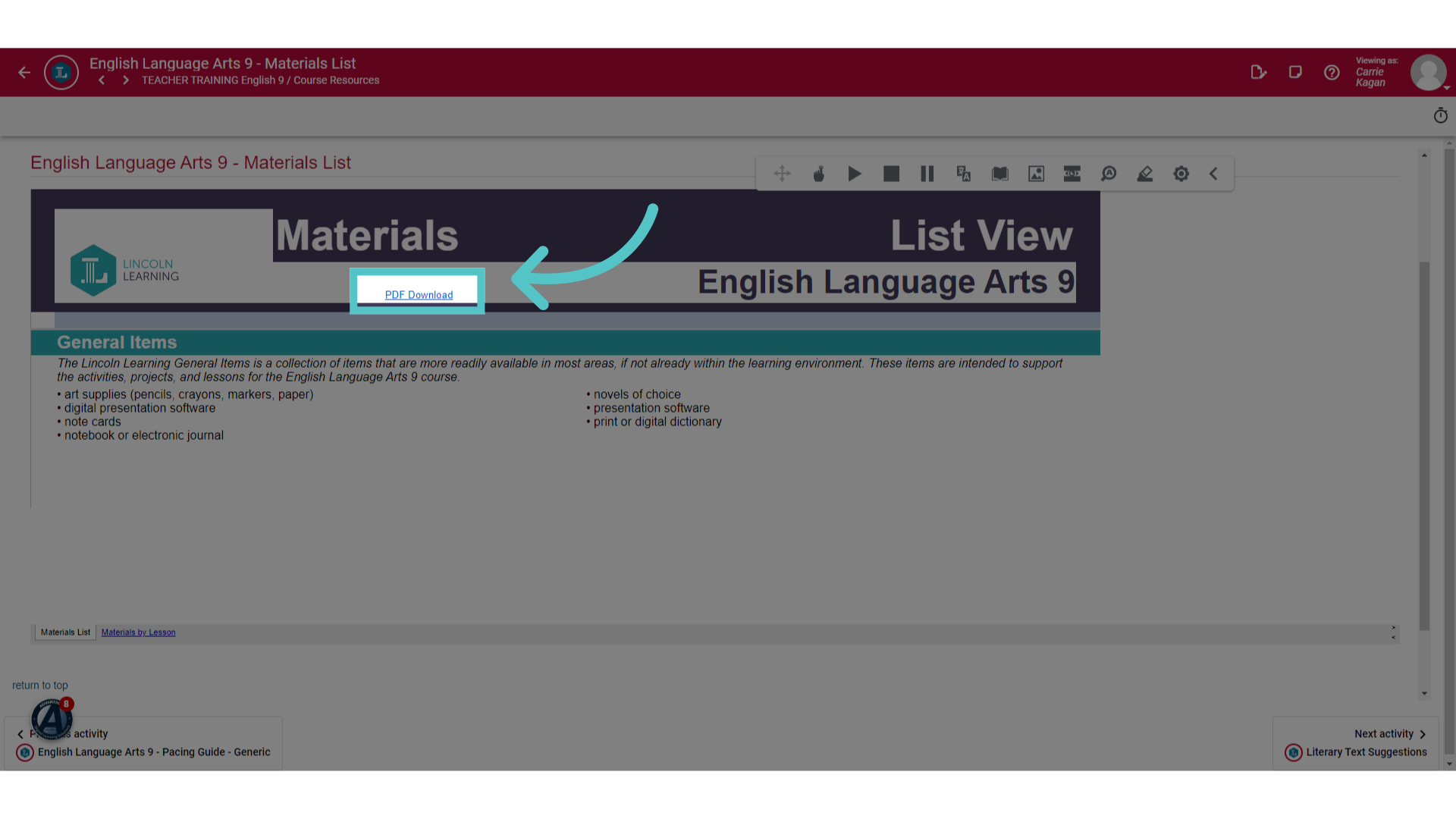
6. Download
If there are any additional materials needed or recommended to complete the course content, they will be listed here. The list can be downloaded for reference or printing.
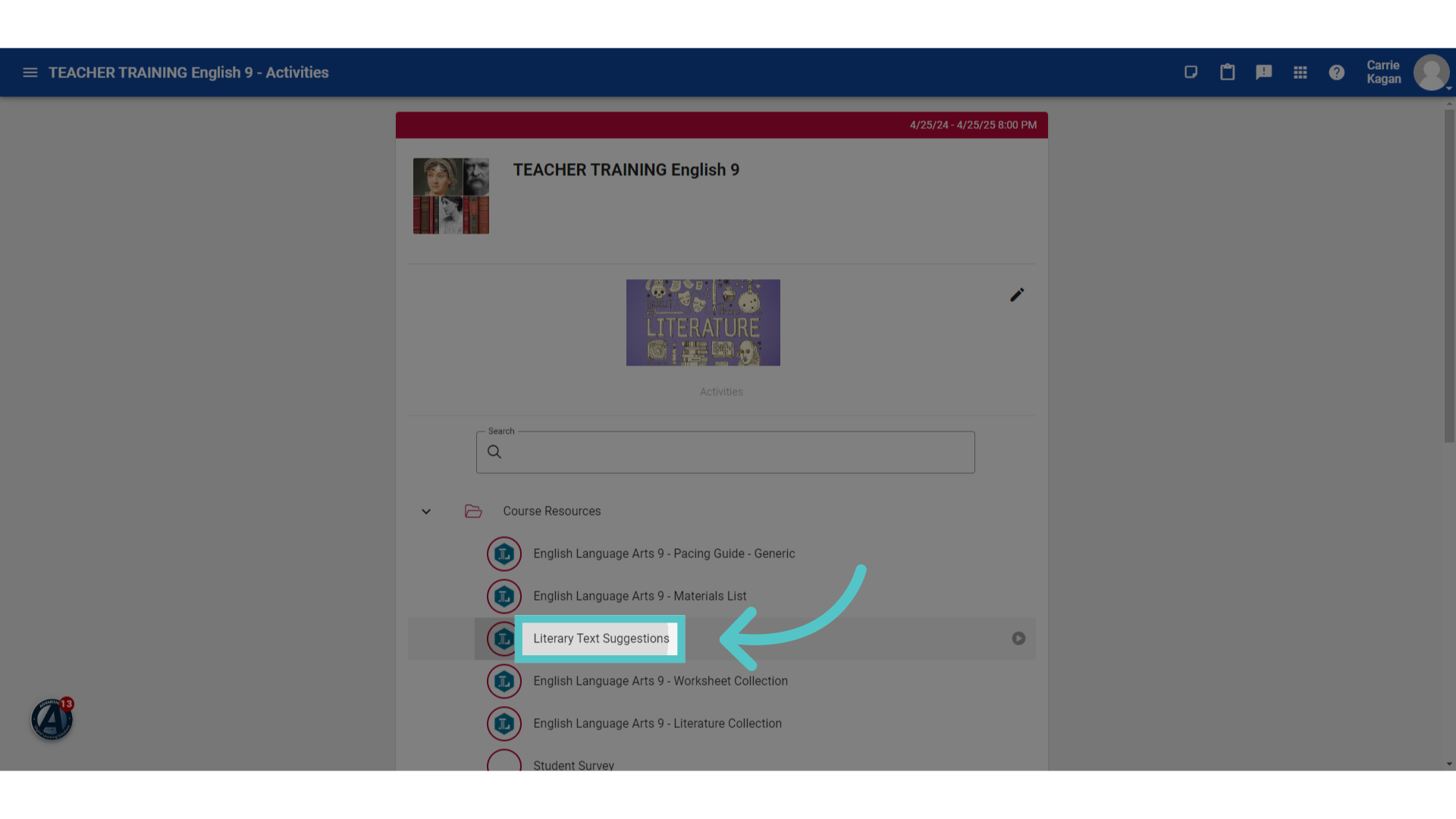
7. Text Suggestions
Some courses may include a resource for additional texts.
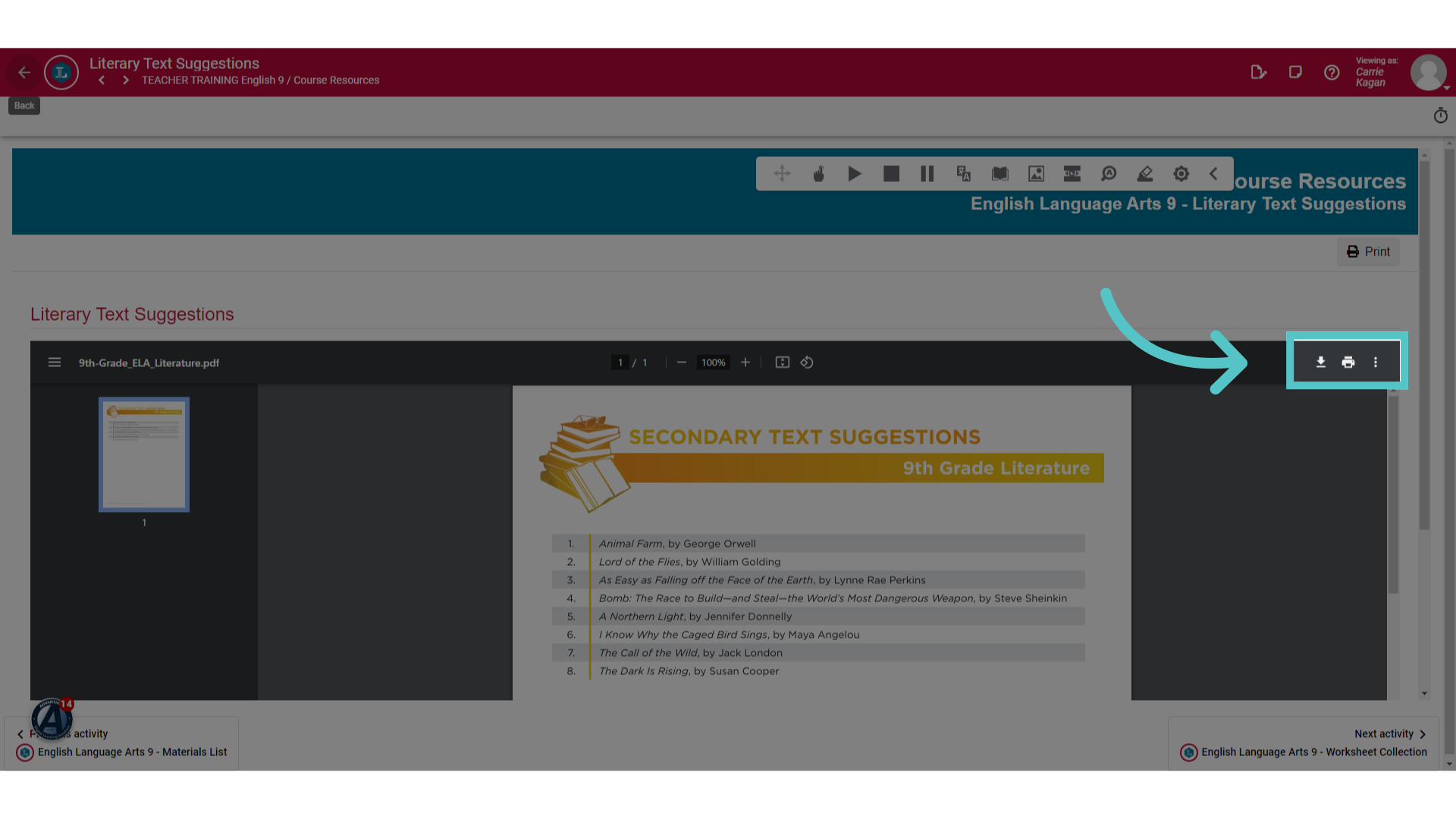
8. Download or Print
These are not required readings, but they are suggestions for students or teachers who would like to enhance the content. These lists can be downloaded or printed.
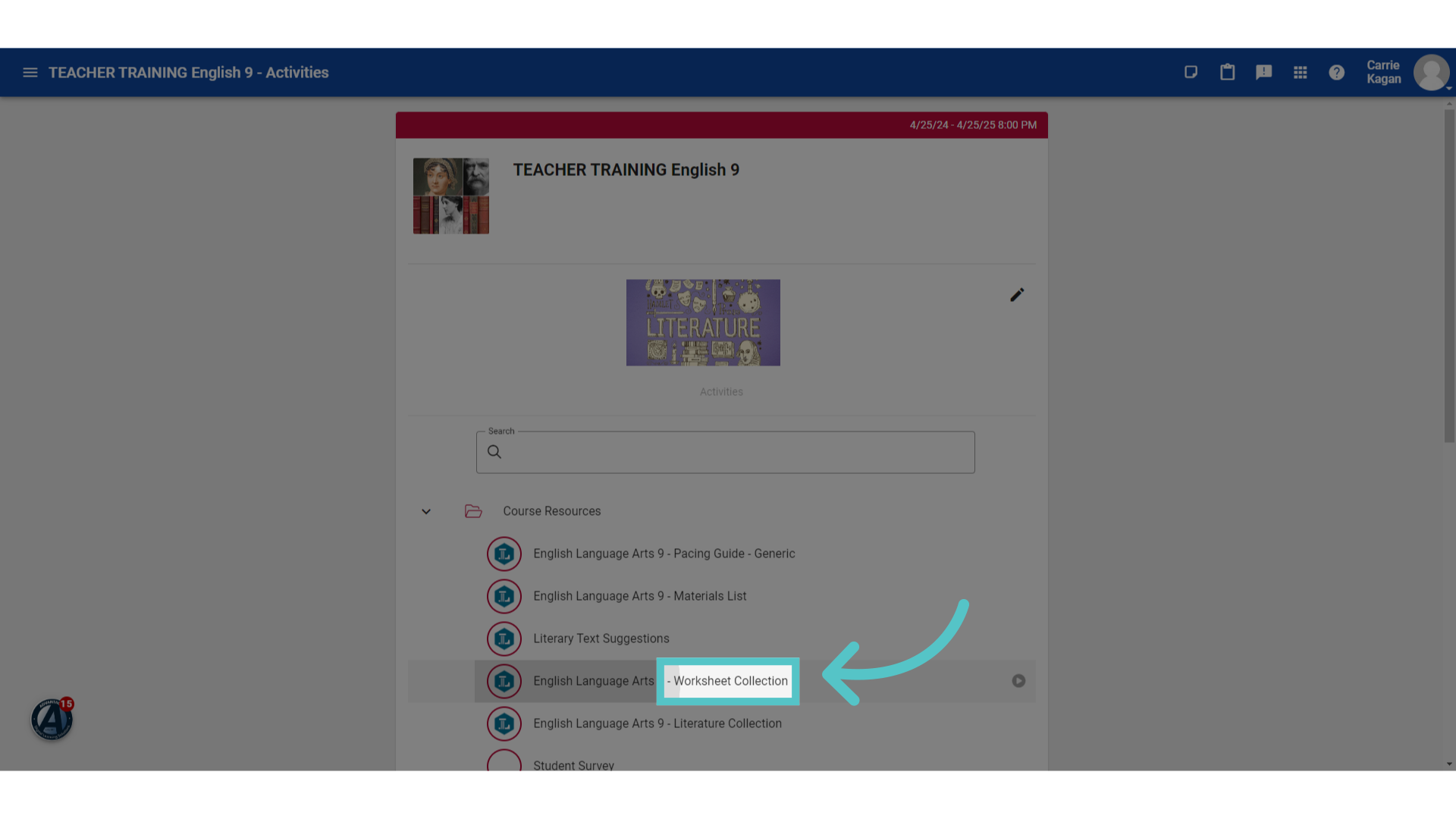
9. Worksheet Collection
Each course resource folder will also include the complete worksheet collection for the course.
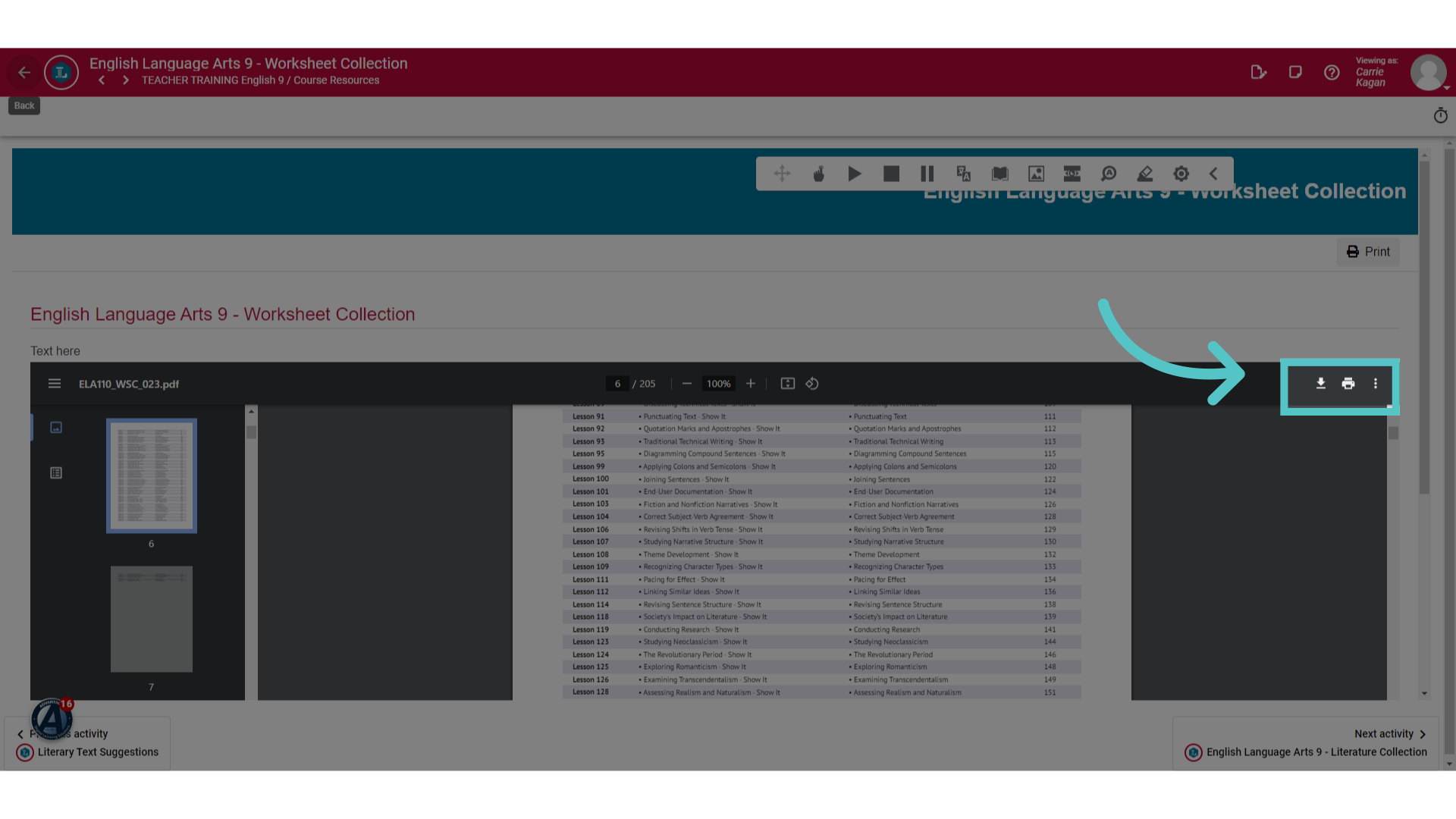
10. Download or Print
Every worksheet that is included in the course is available in the worksheet collection. Each worksheet is listed in the contents along with its lesson number. You can download or print individual worksheets or the entire collection.
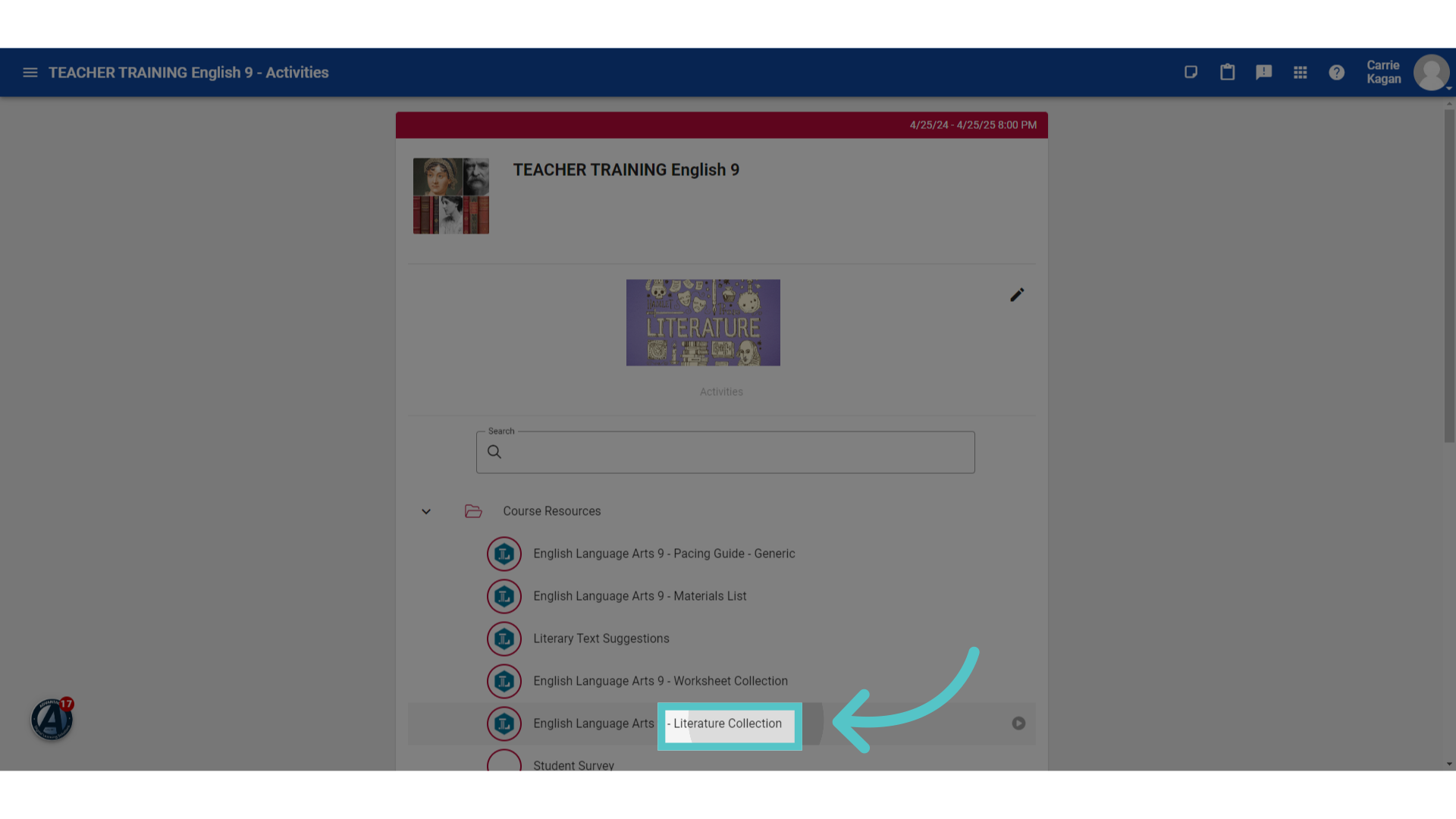
11. Literature Collection
Some courses, such as English courses, will also include the entire collection of course readings in the Literature Collection.
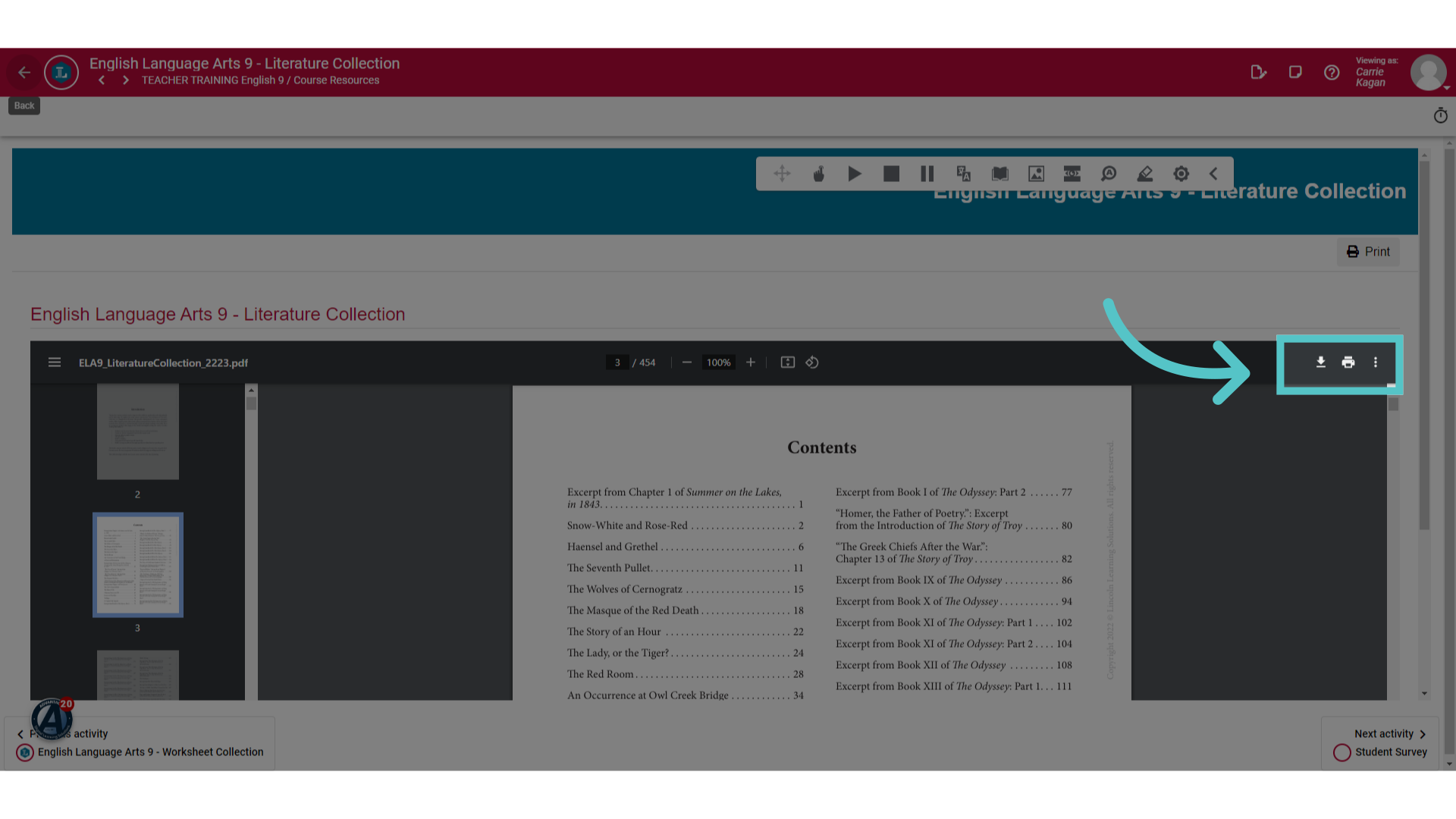
12. Download or Print
The Table of Contents will list every reading selection in the entire course. Pages from this digital anthology can be downloaded or printed.
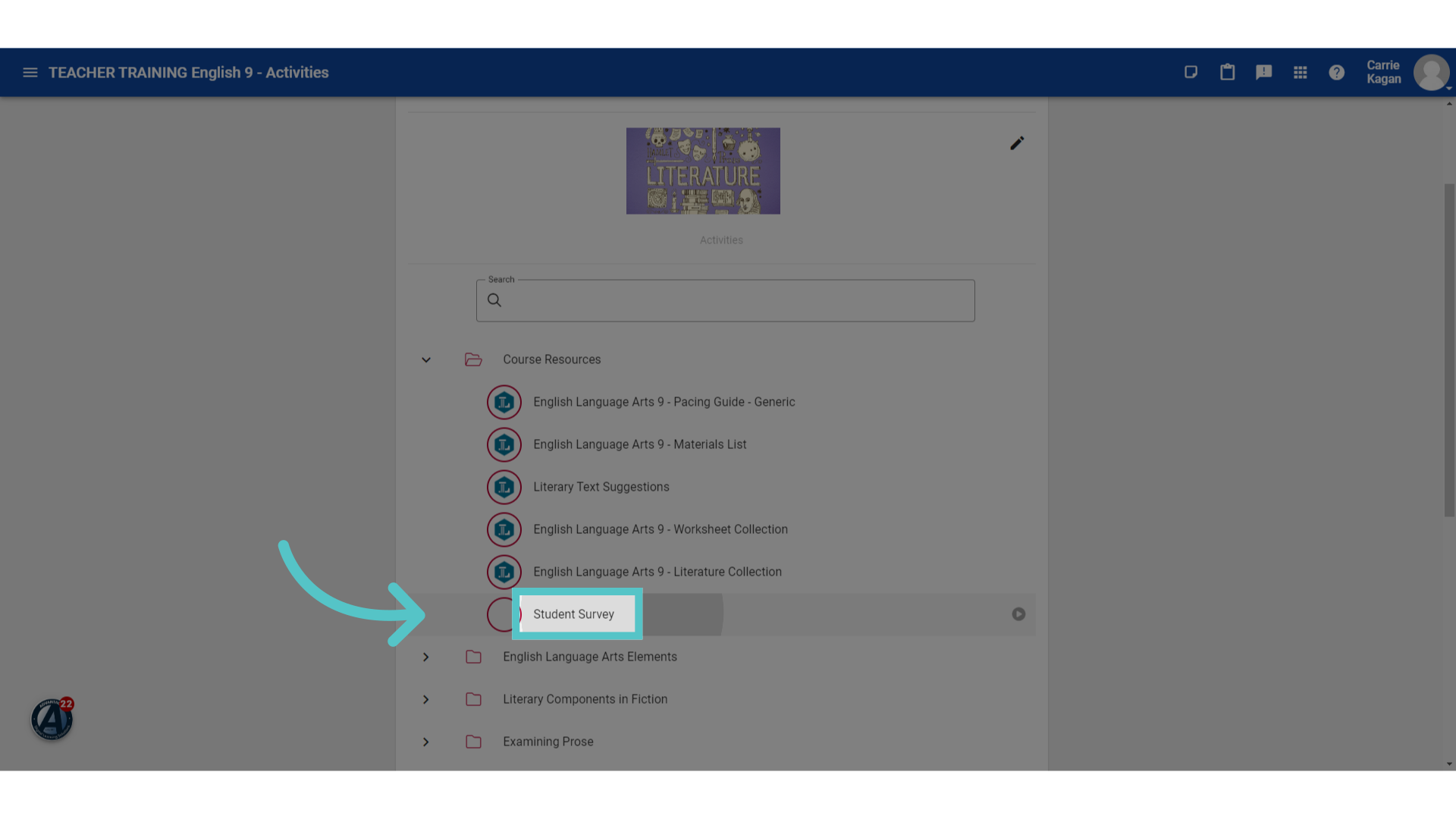
13. Student Survey
Lincoln Learning includes a Student Survey in the course resources folder.
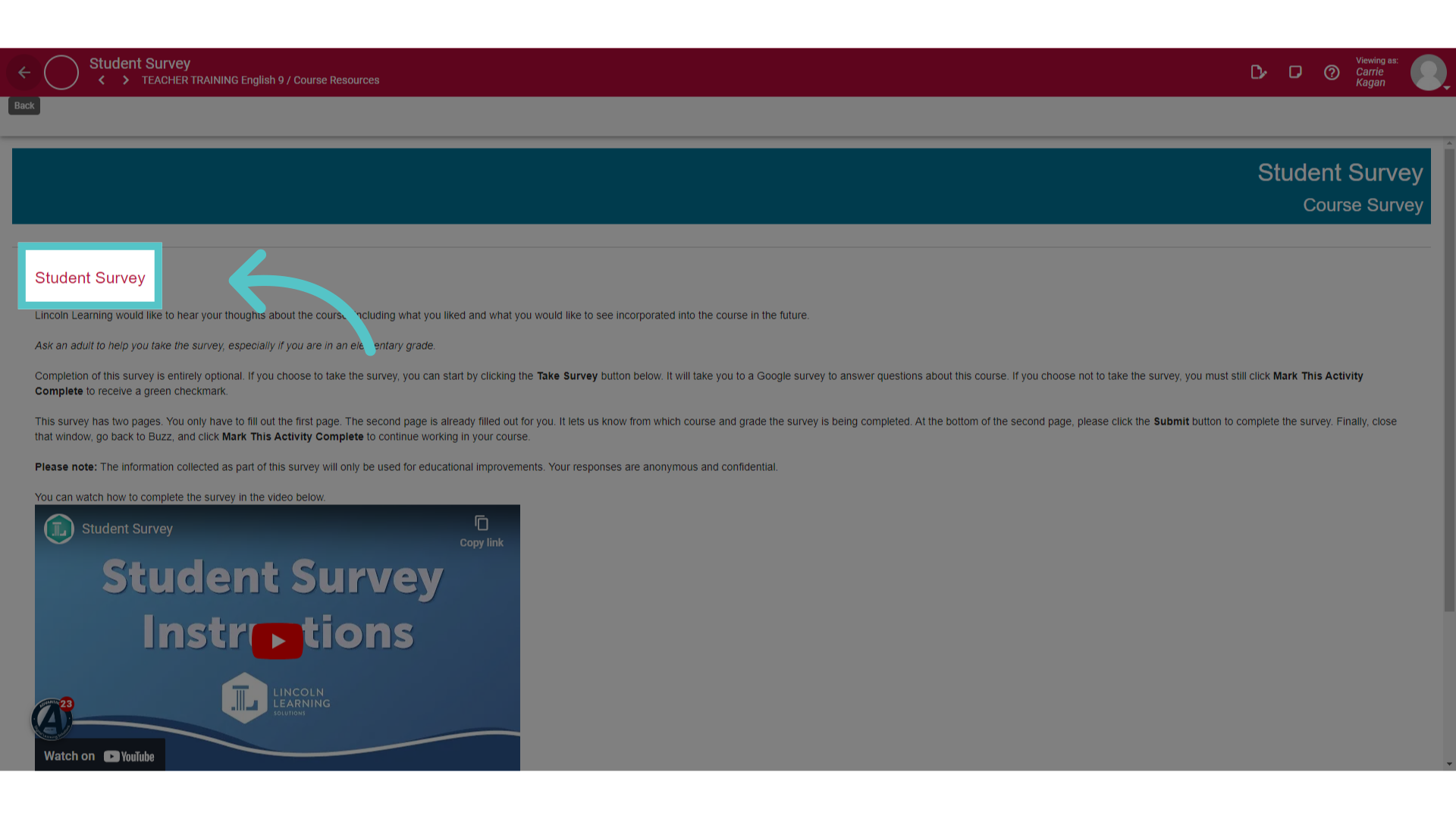
14. Optional
This is an optional resource that can be used to provide course feedback.
If you have any questions about the information in this tutorial, please click "Contact Support" to submit a help request.
Contact Support