This guide will walk you through the two step process of requesting student enrollment.
1. Step 1: Request Enrollment from Santillana
Step 1 is to request enrollment from Santiana.
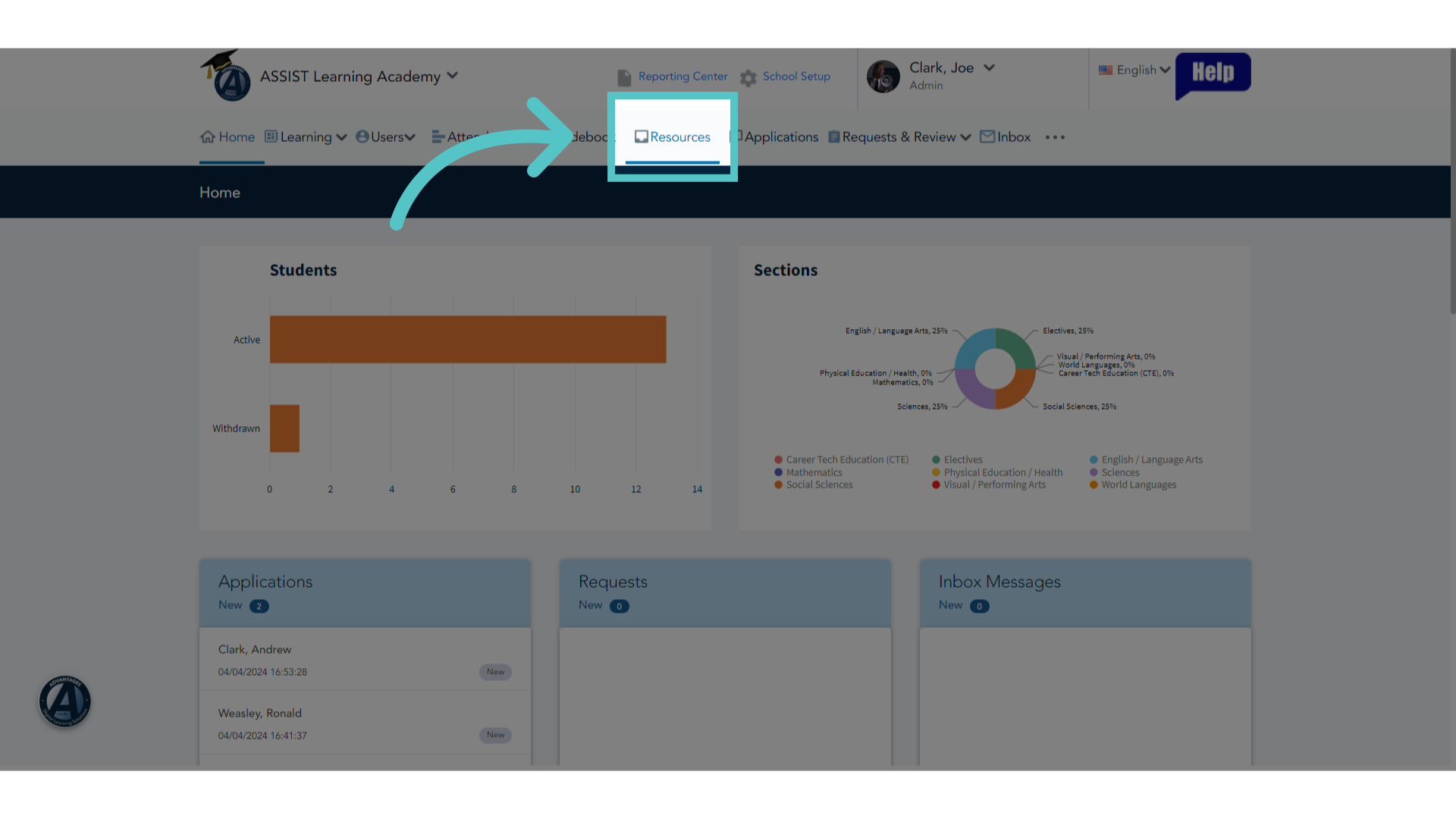
2. Click "Resources"
As an administrator, access the resources tab in ASSIST.
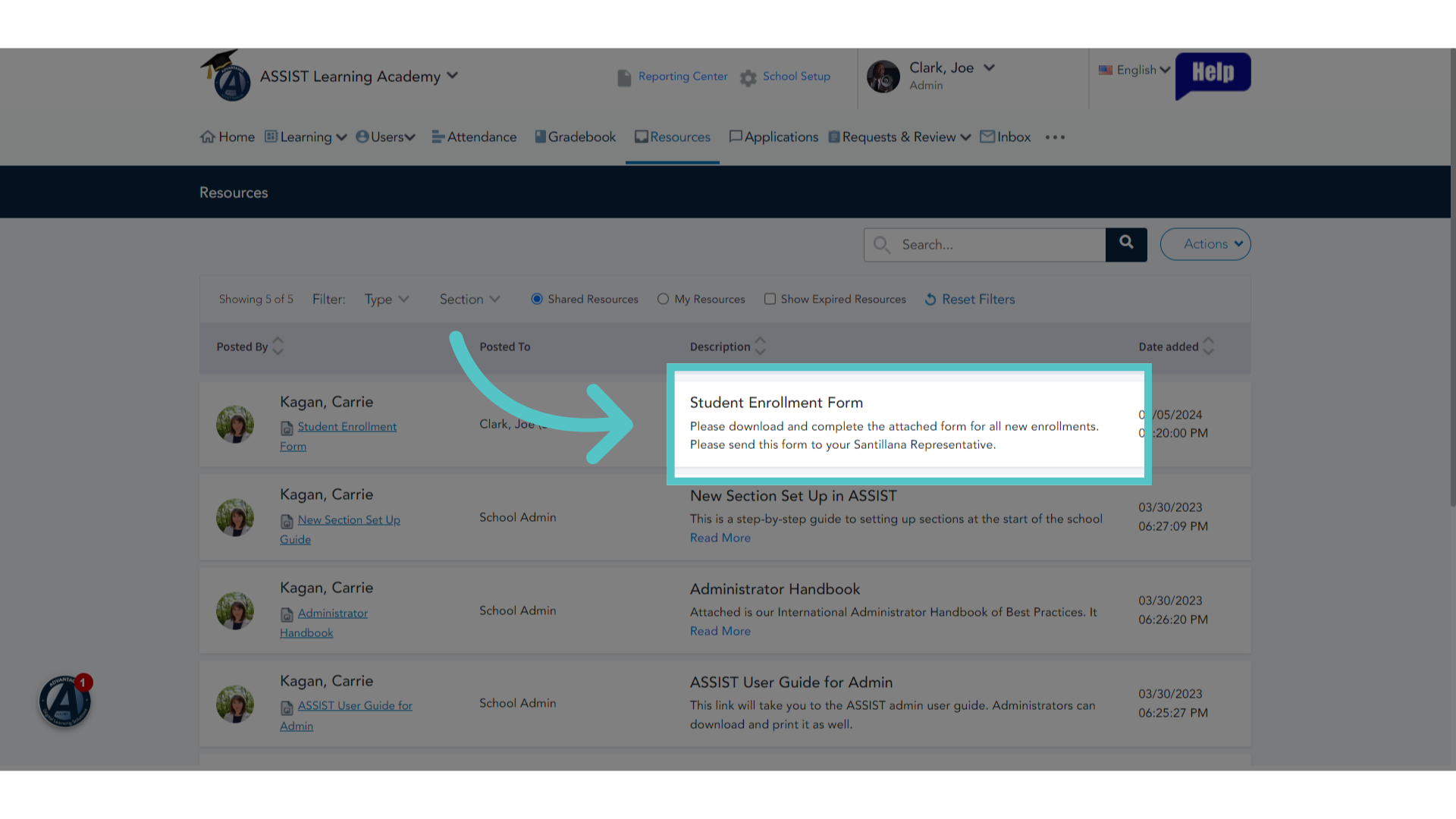
3. Student Enrollment Form
Find the Student Enrollment Form in your list of available Resources.
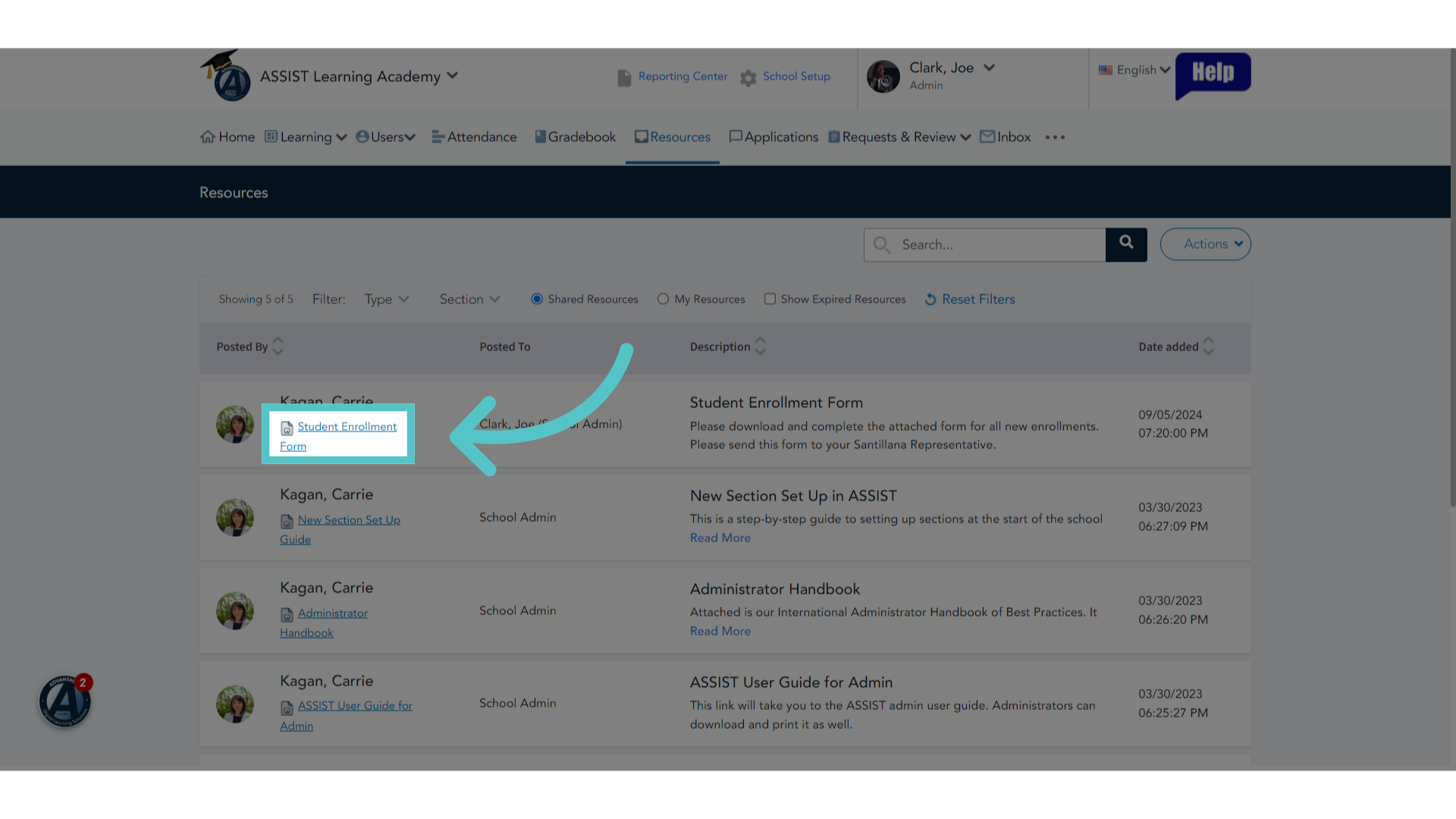
4. Click the Link
Click the link to open the student enrollment form.
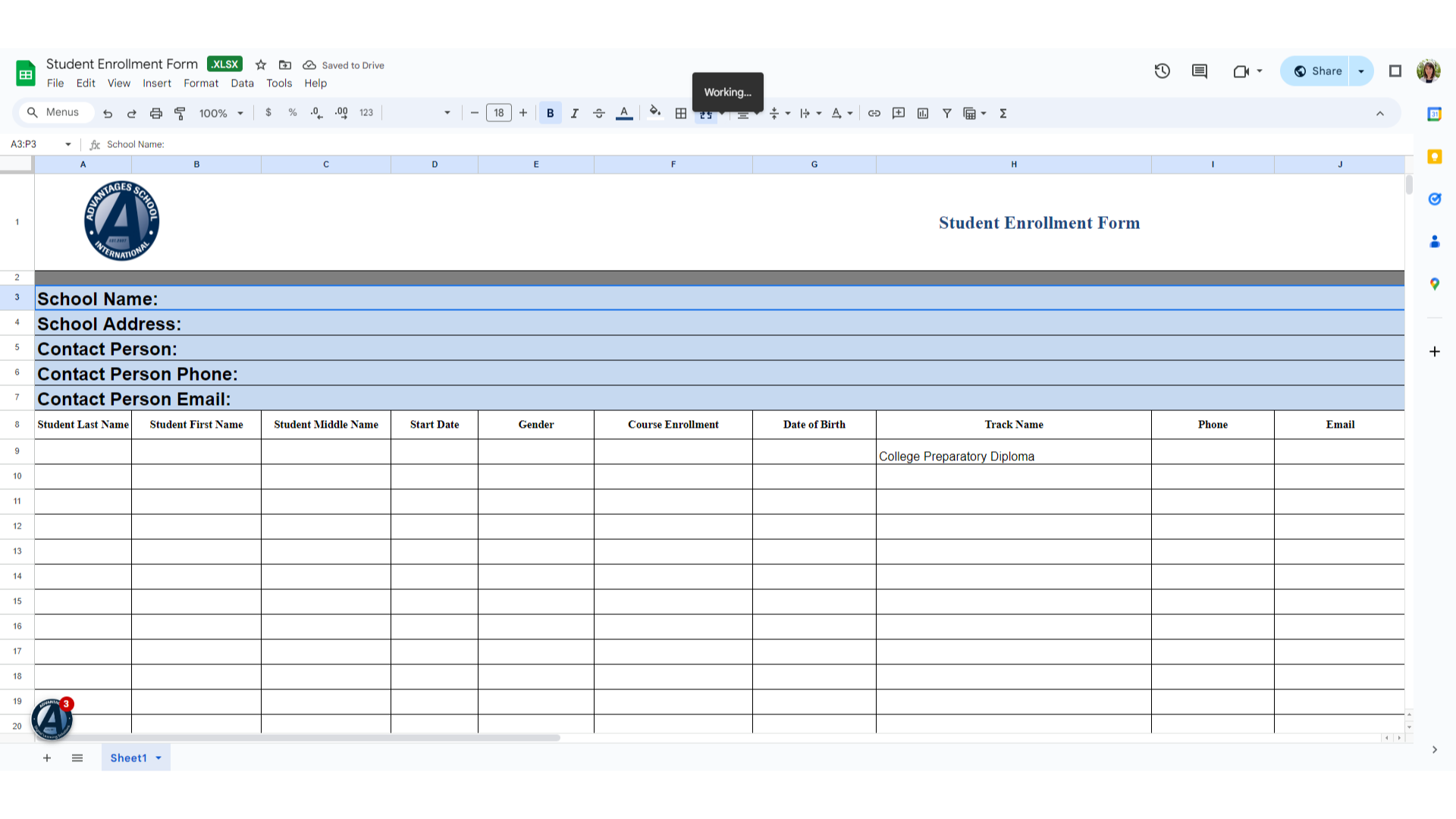
5. View Only
The Student Enrollment Form is a view-only file. It must be downloaded to your computer to edit it with information.
6. Download File
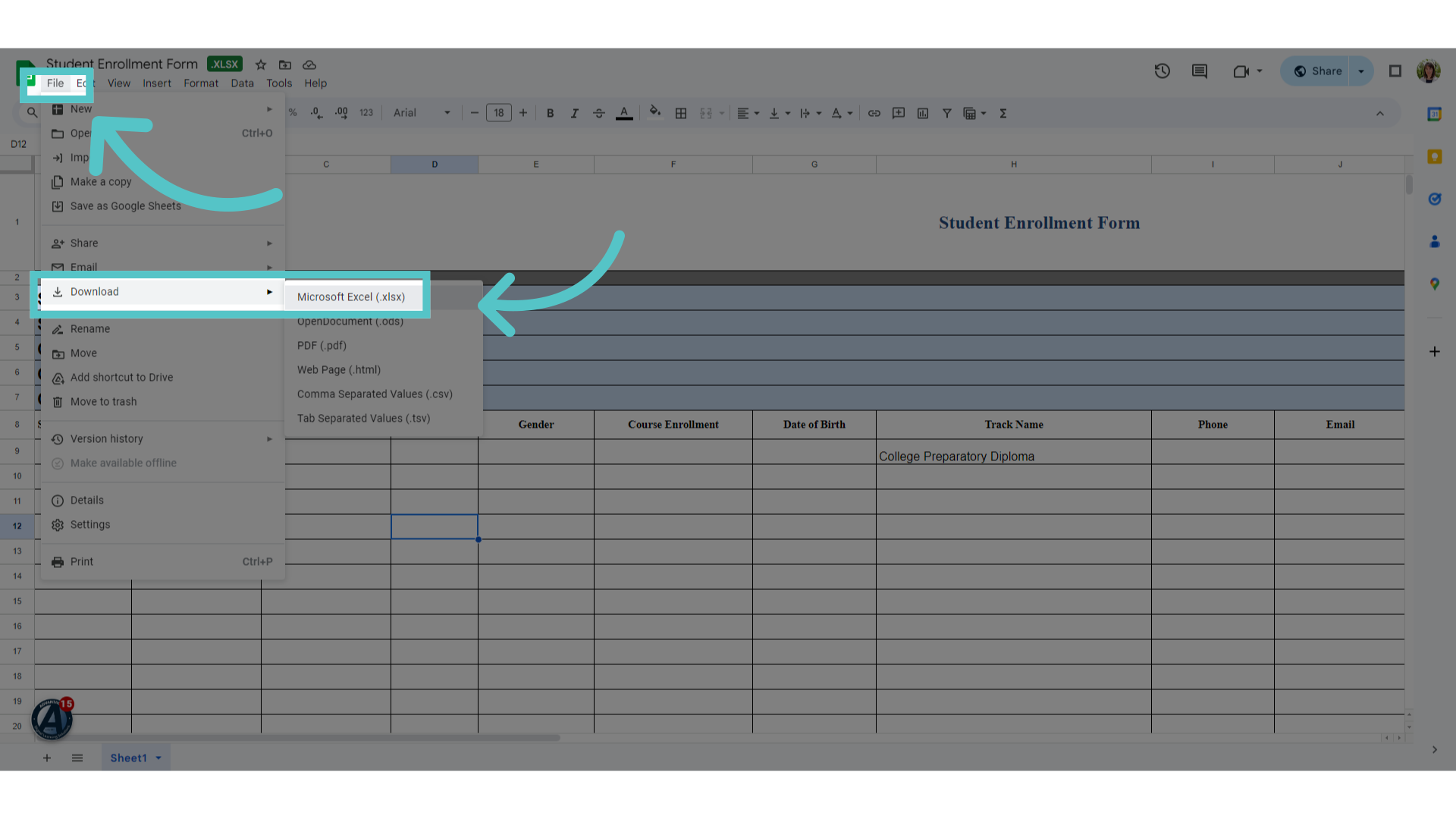
Click "File" in the top left corner. Select "Download" and "Microsoft Excel."
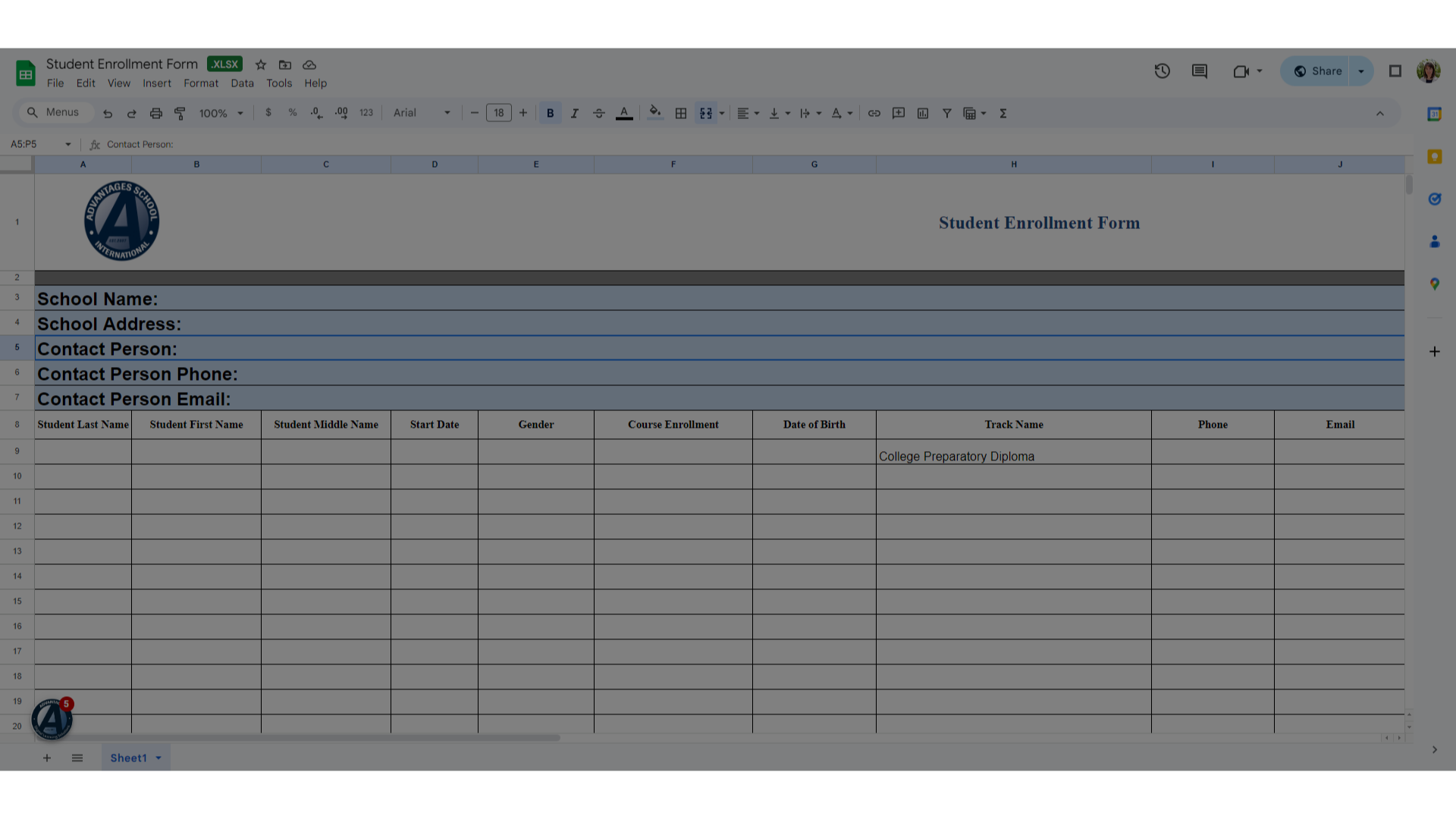
7. School Information
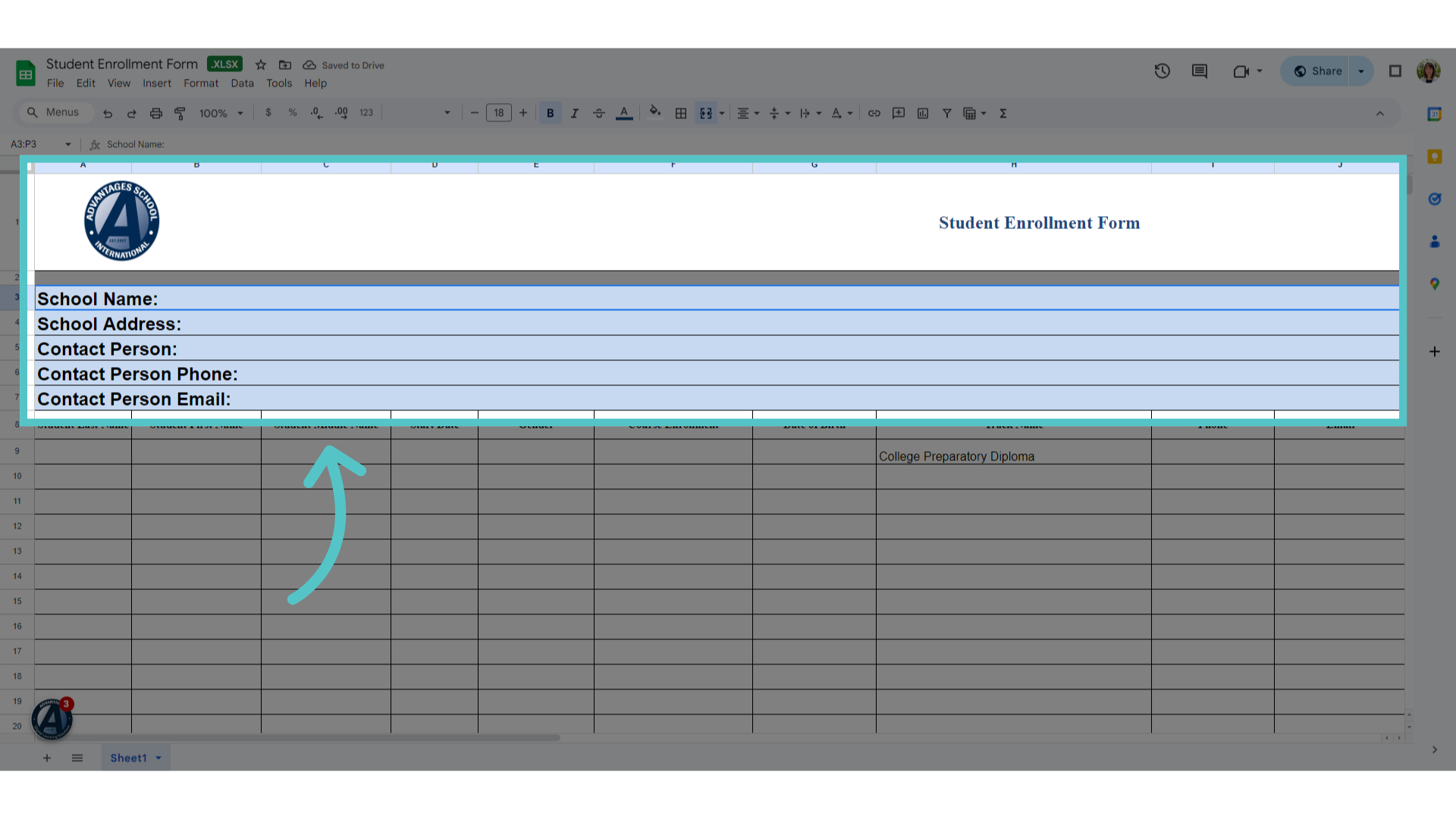
Enter your school information in the top section.
8. Student Information
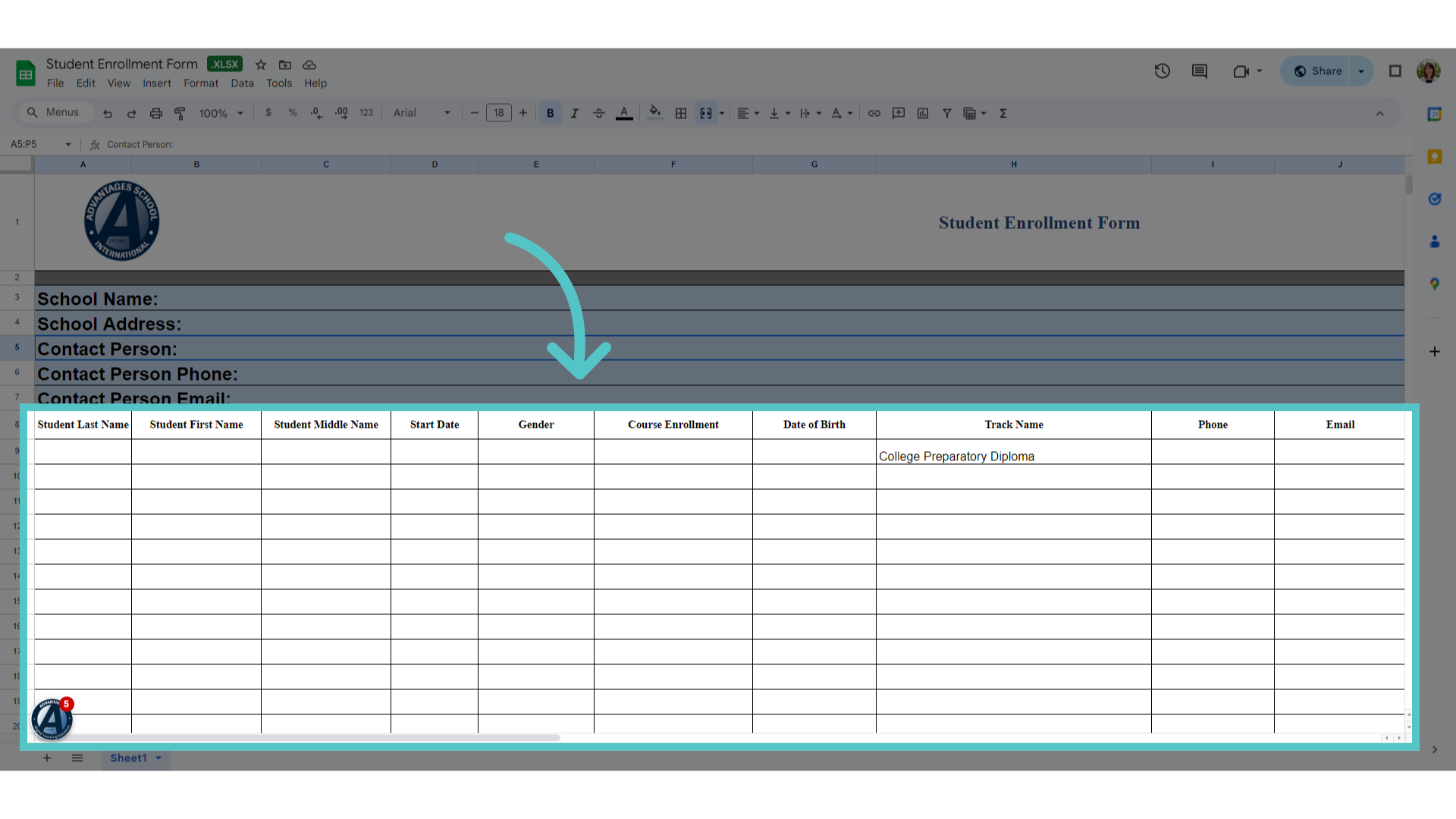
Enter student enrollment information in the bottom columns. Each student name must be listed along with the requested course title. Save your completed form.
9. Send the form to your Santillana representative for enrollment approval.
Send the form to your Santiana representative for enrollment approval. Santiana will contact your School Success manager when the enrollments are permitted.
10. Step 2: Request Individual Enrollments in ASSIST
The second step is to request individual student enrollments in ASSIST. Make sure that you have opened a section of all requested courses.
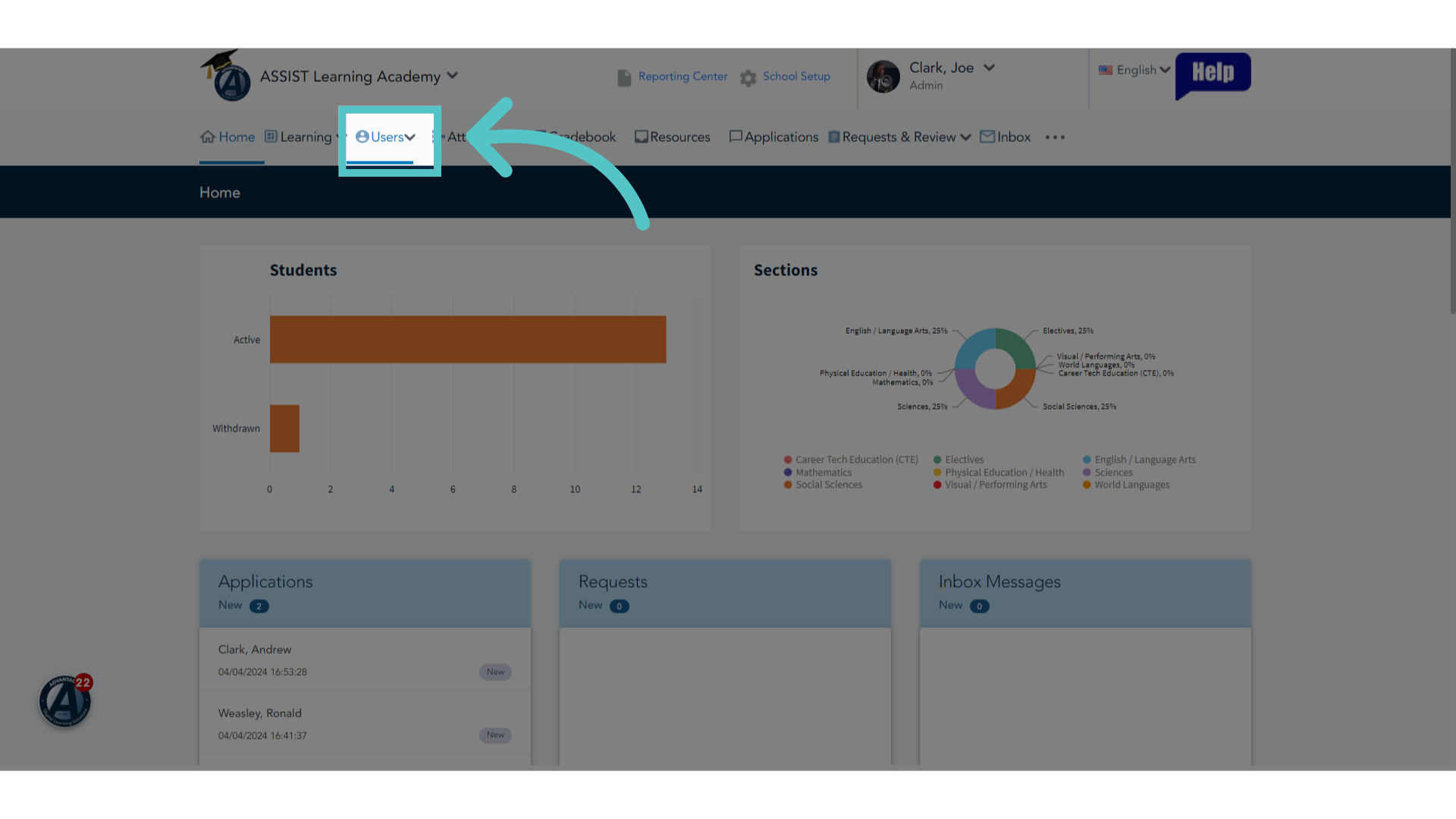
11. Click "Users"
Click the "Users" tab.
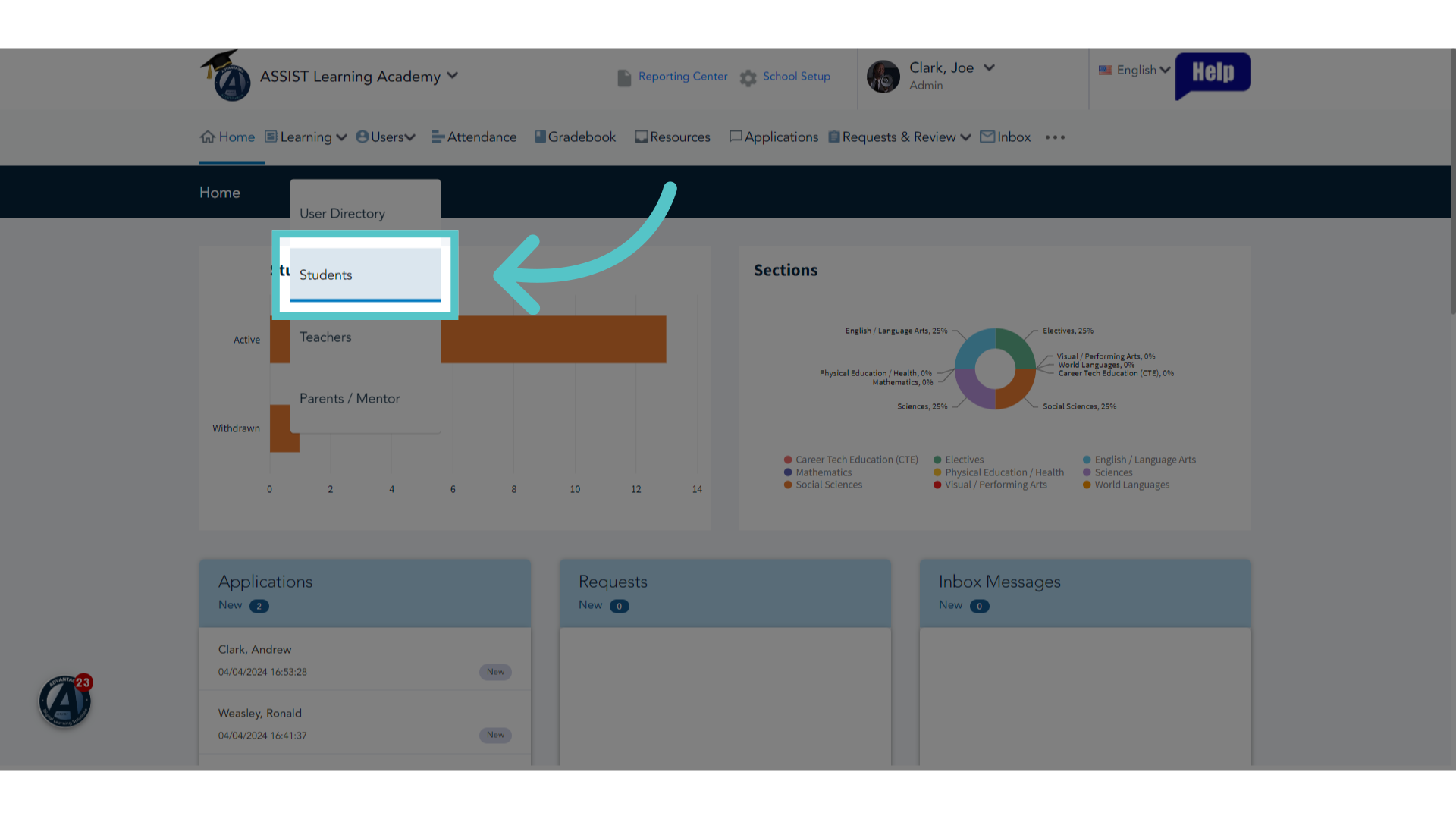
12. Click "Students"
Select "Students."
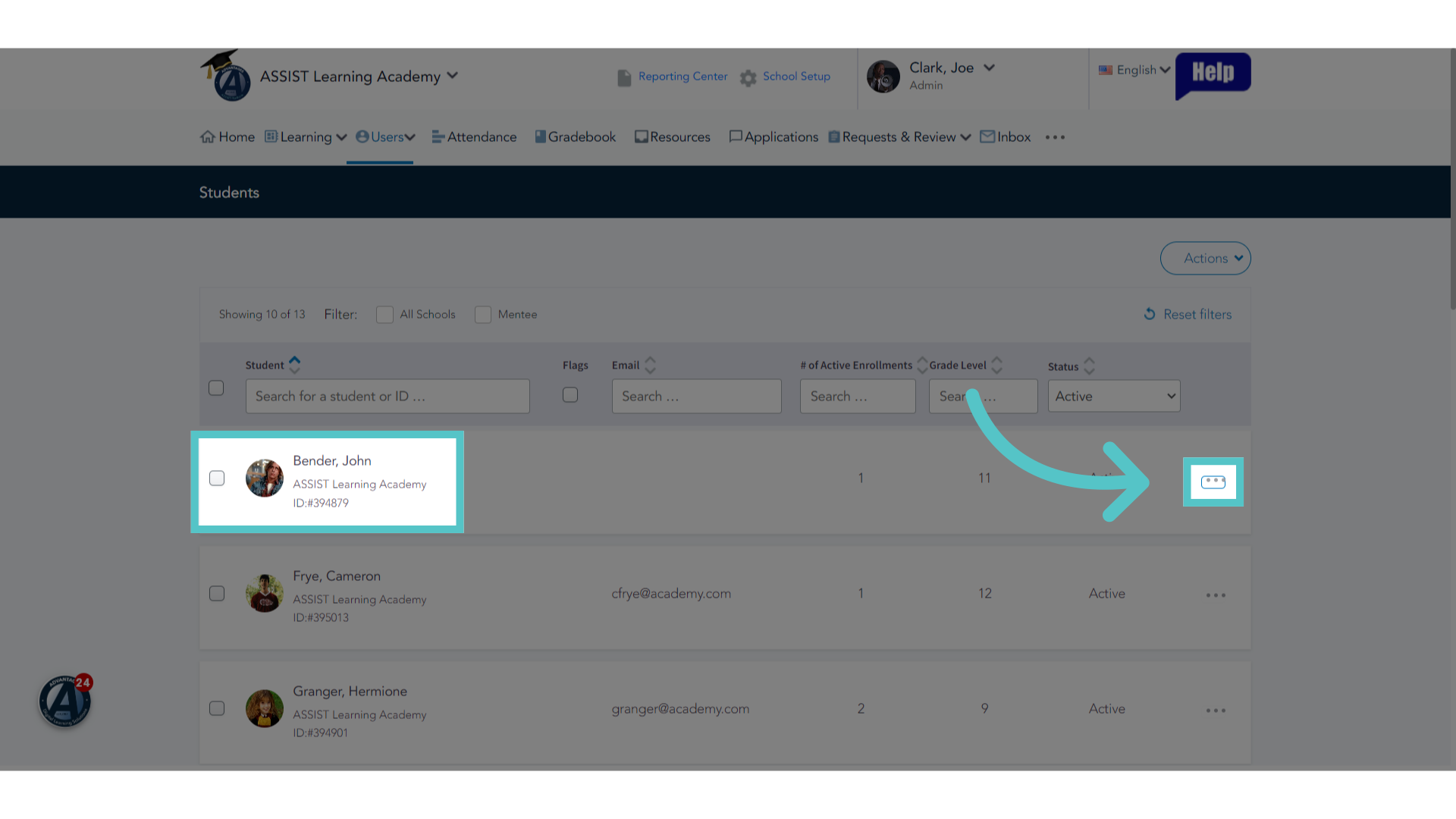
13. Click here
For each student requesting an enrollment, click the three dot menu to the far right of the student name.
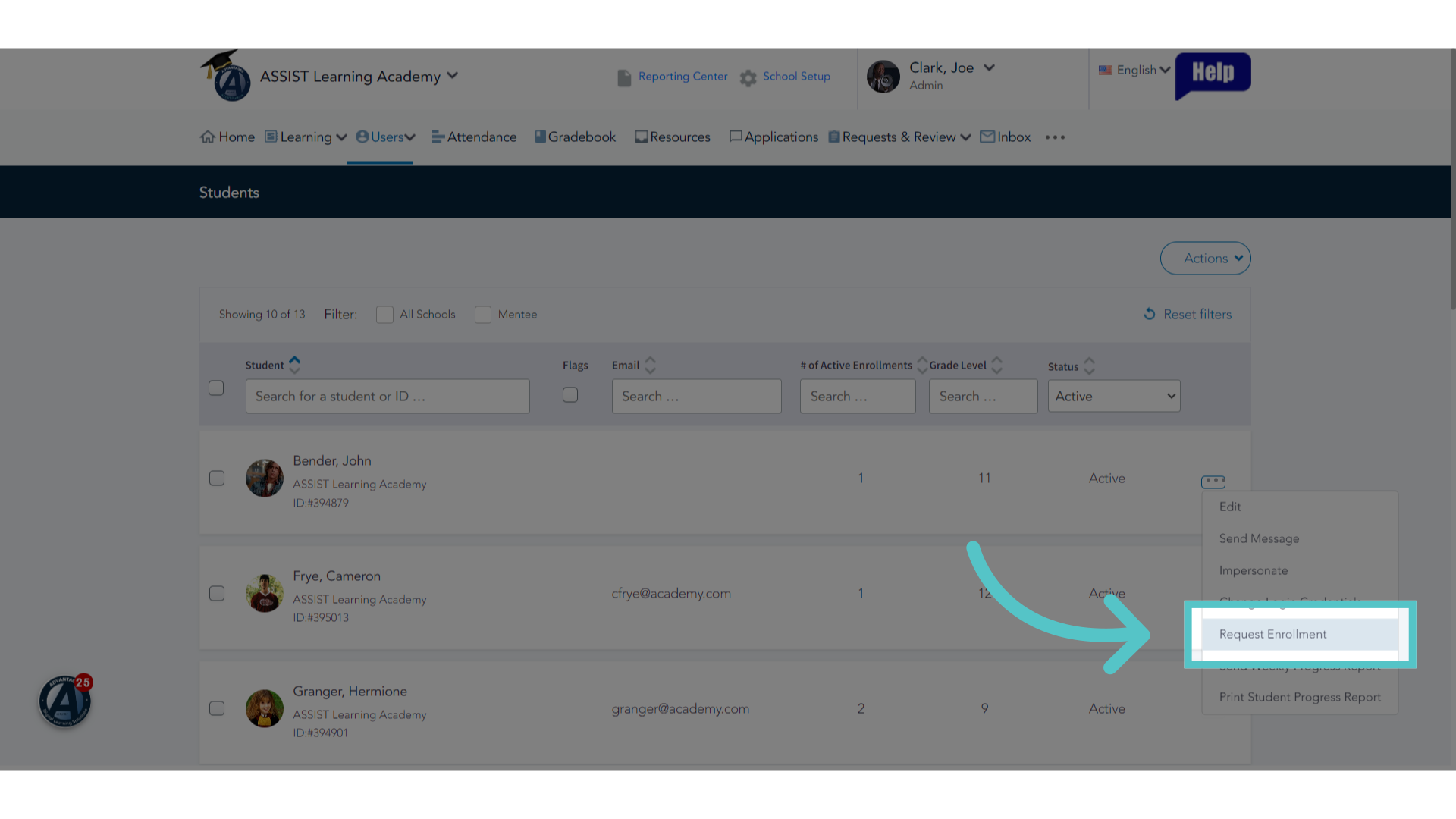
14. Click "Request Enrollment"
Select "Request Enrollment" from the menu choices.
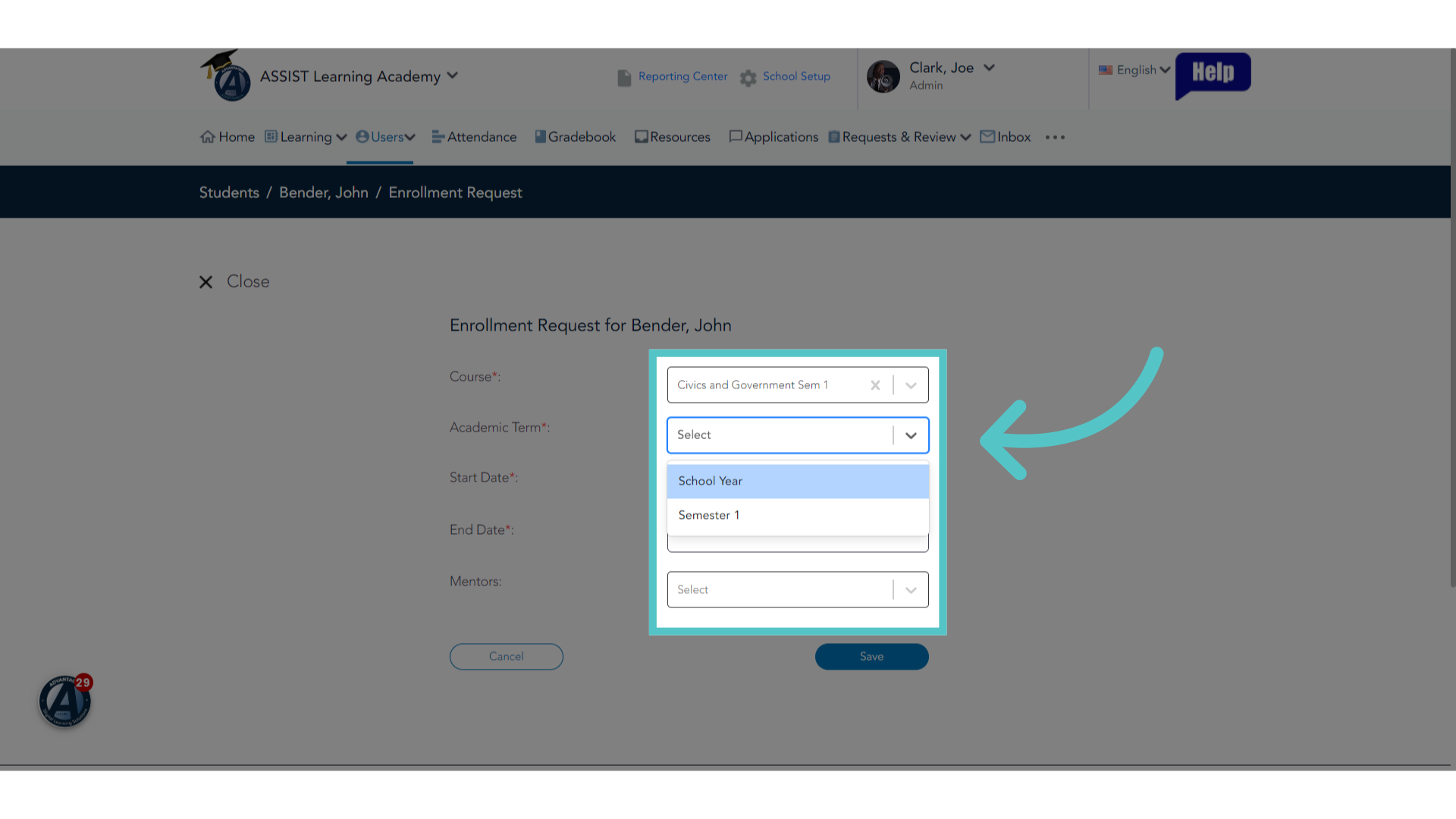
15. Enter Enrollment Information
Enter enrollment information for each required field. Adding Mentors is optional.
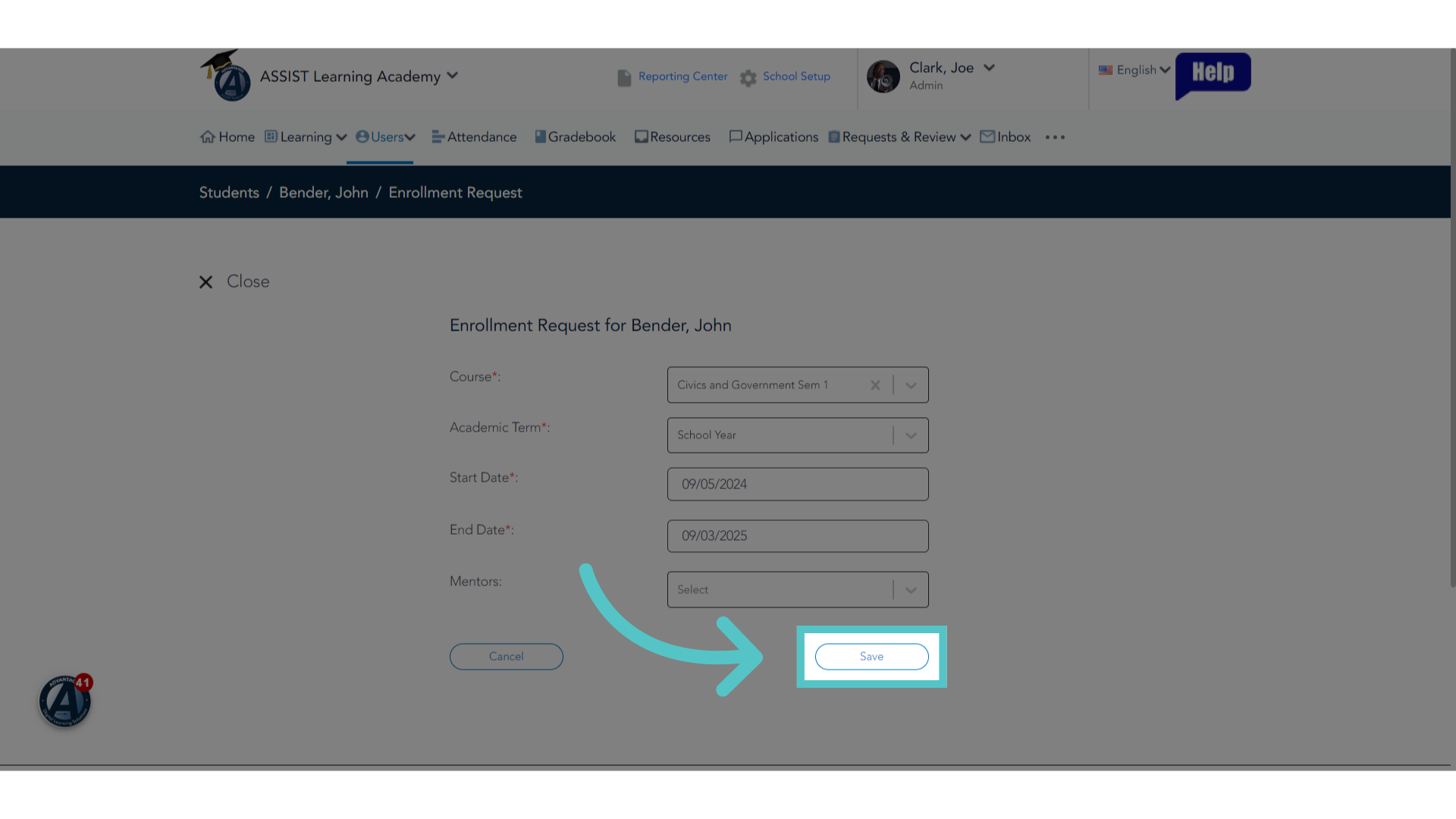
16. Click "Save"
Save the changes.
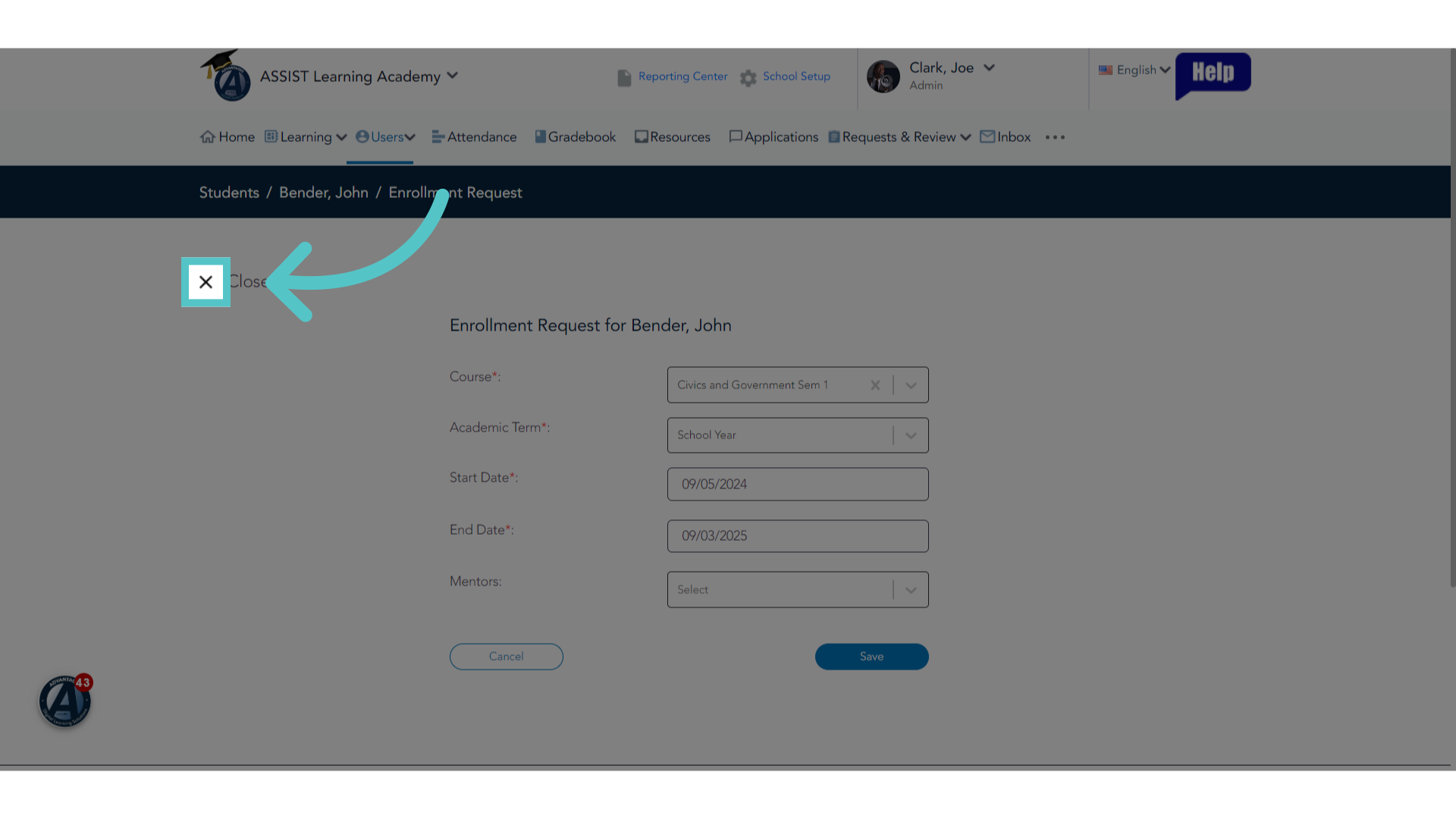
17. Close
Close the enrollment window.
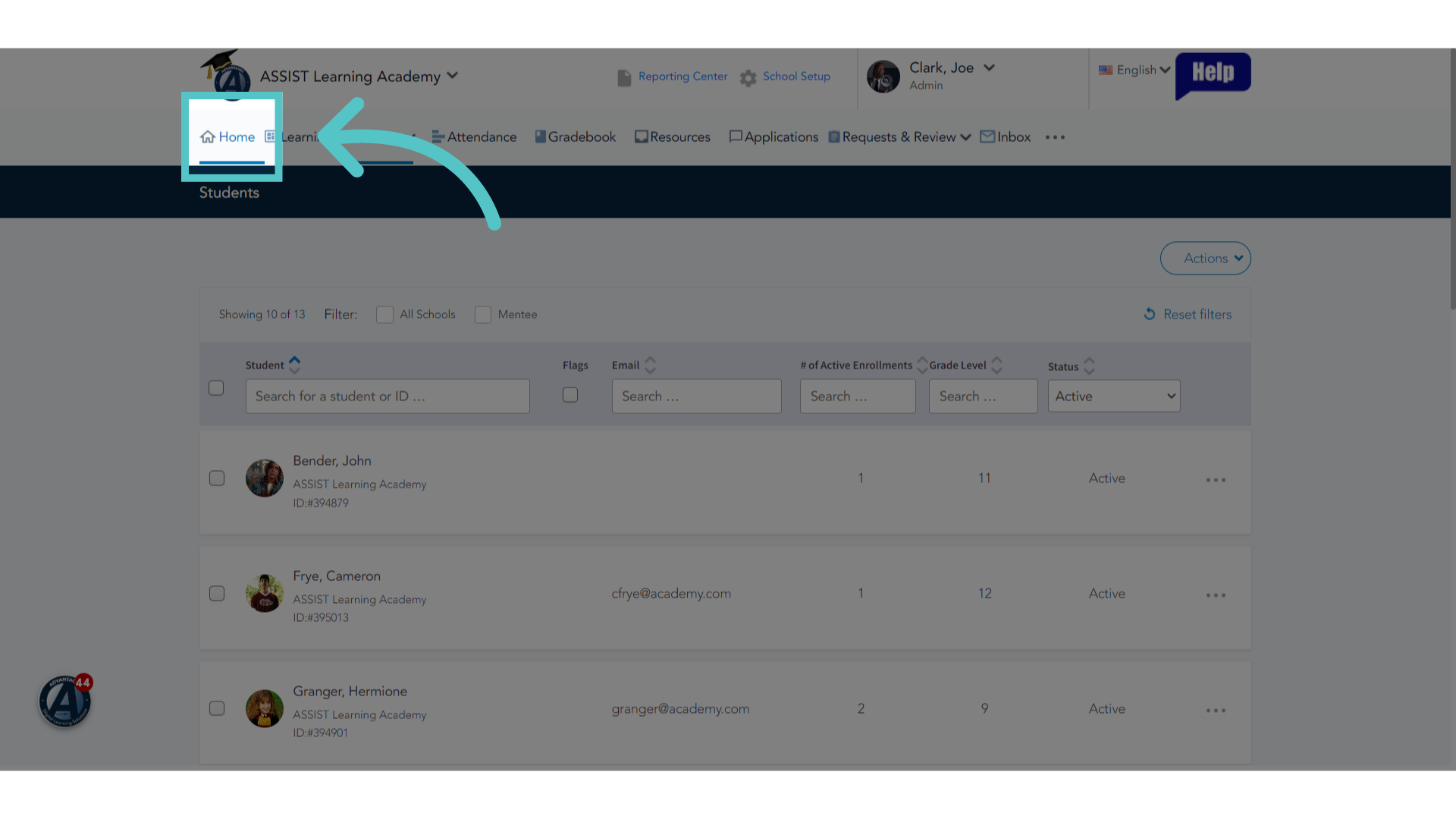
18. Click "Home"
Return to the homepage.
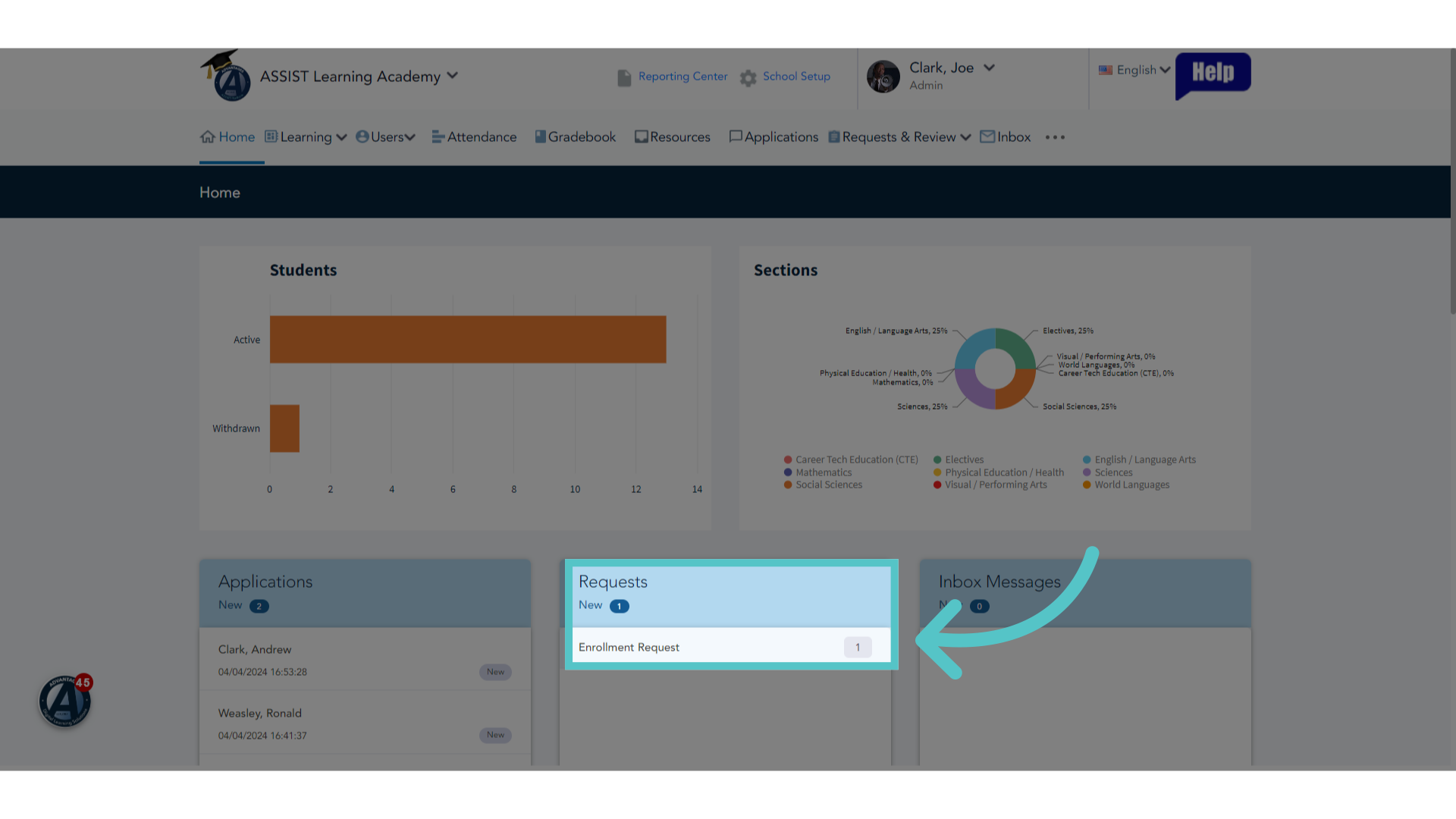
19. Click "Enrollment Request"
Enrollment Requests will show on your ASSIST Homepage in the Requests box. Click "Enrollment Request" to see the complete list of pending requests.
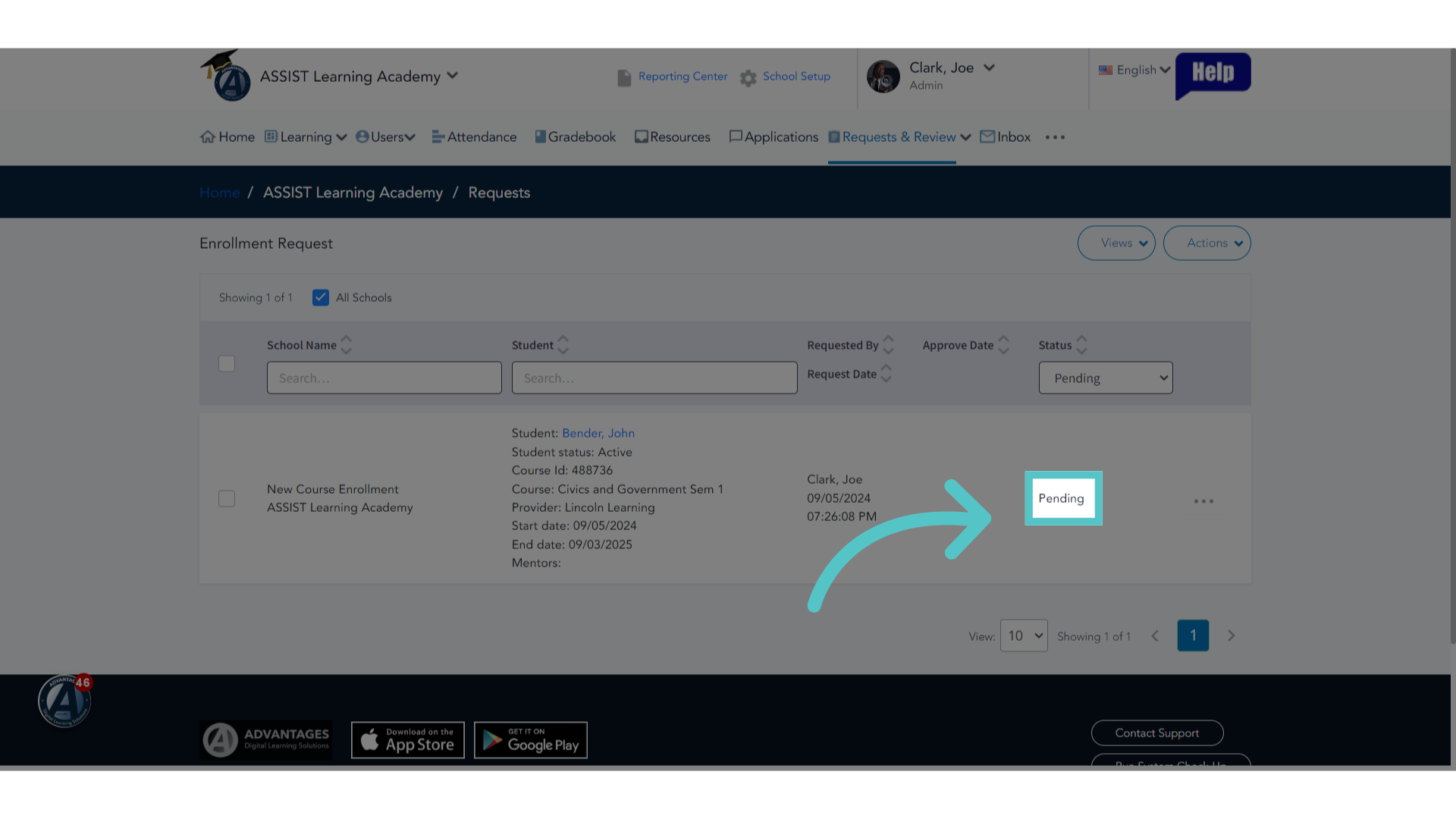
20. Pending
Your School Success Manager has received a notification of an enrollment request at your school. When Santiana approves the enrollment, your Success Manager will permit the student's access to the course.
If you have any questions about the information in this tutorial, please click "Contact Support" to submit a help request.
Contact Support