Expand to Full Screen for Best Viewing
This Guide will show how to edit section details, including the section name, teachers, and start and end dates.
Go to portal.adlsassist.com
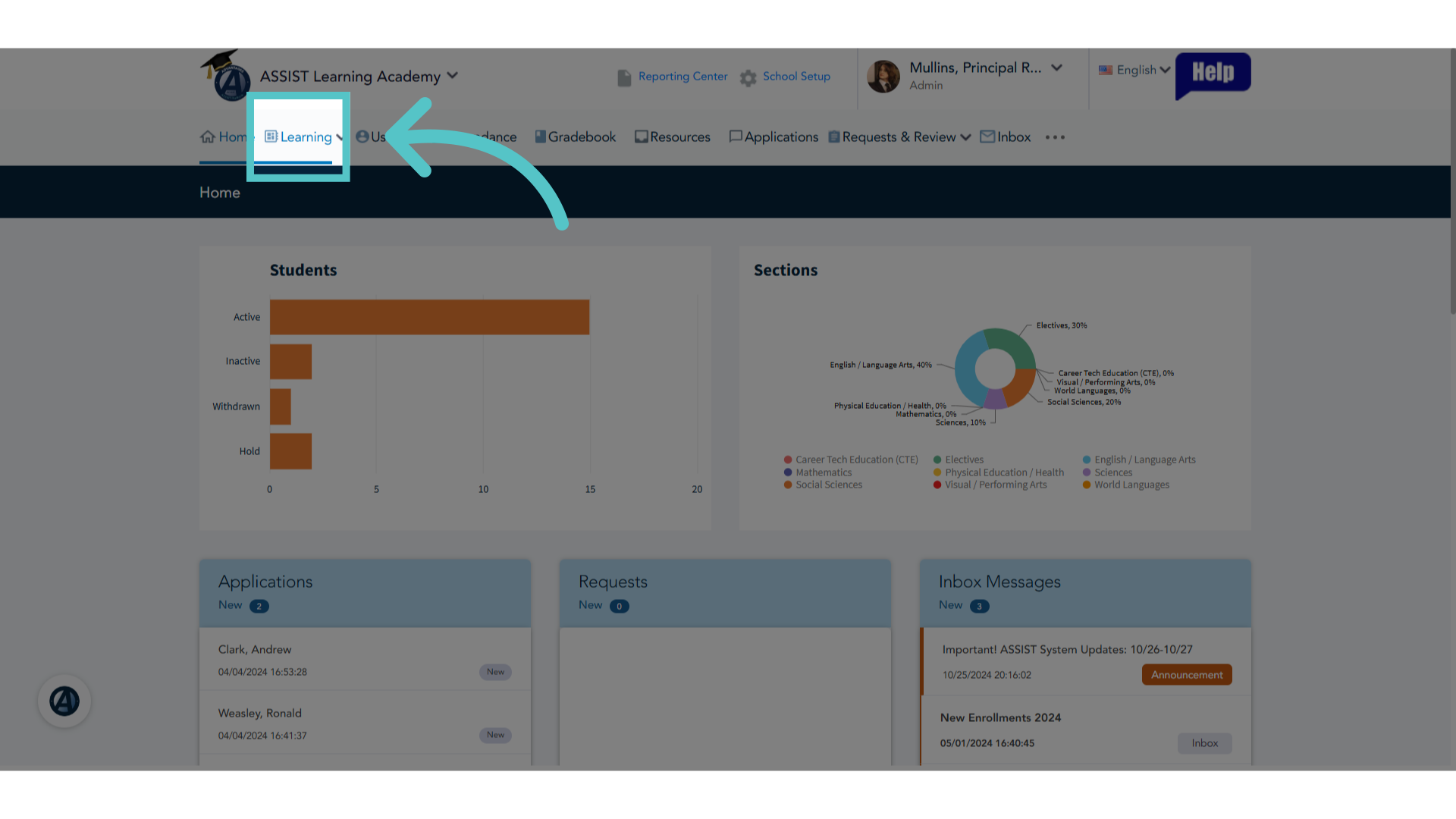
1. Click "Learning"
Navigate to the "Learning" tab.
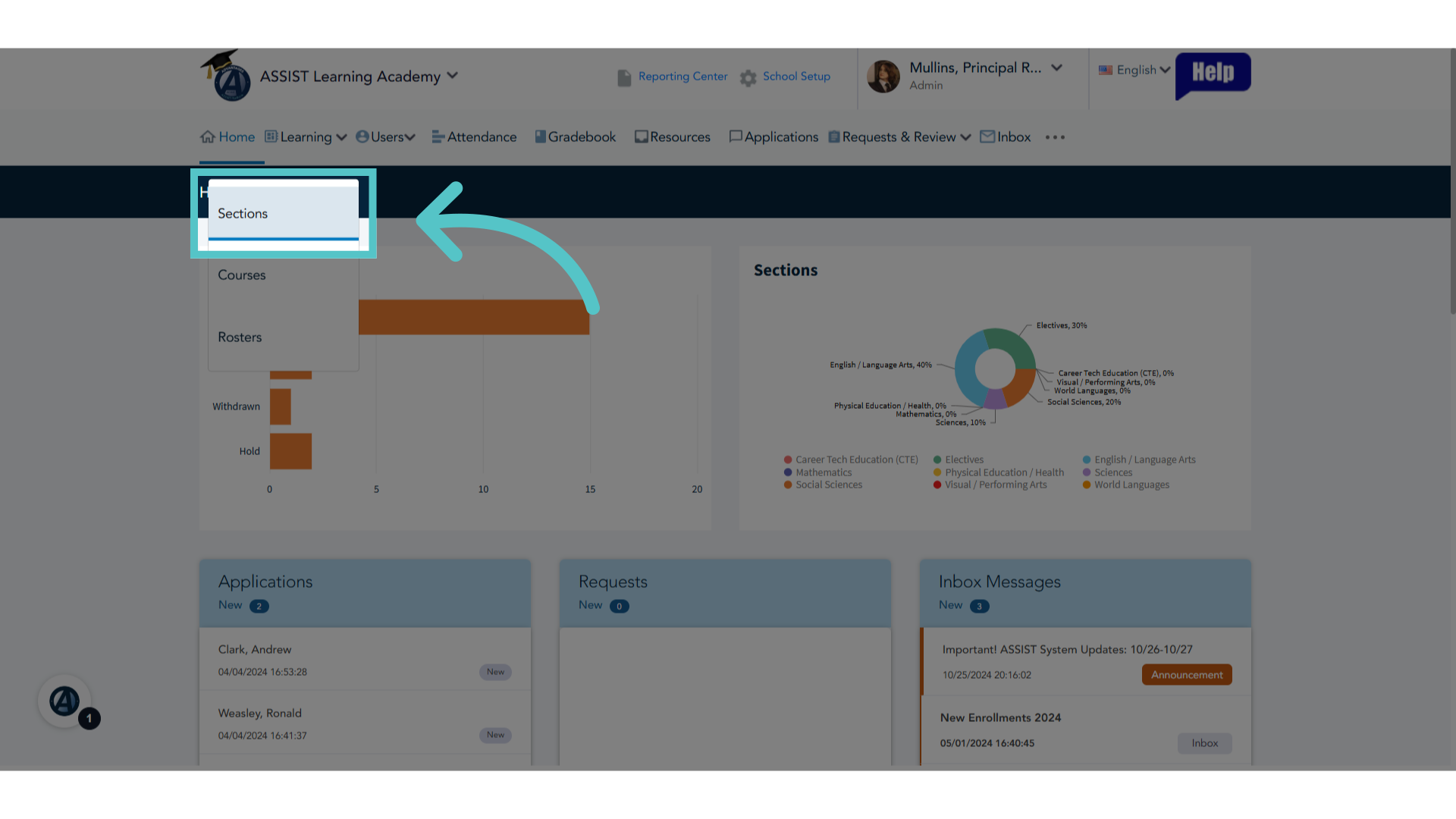
2. Click "Sections"
Access the "Sections" list.
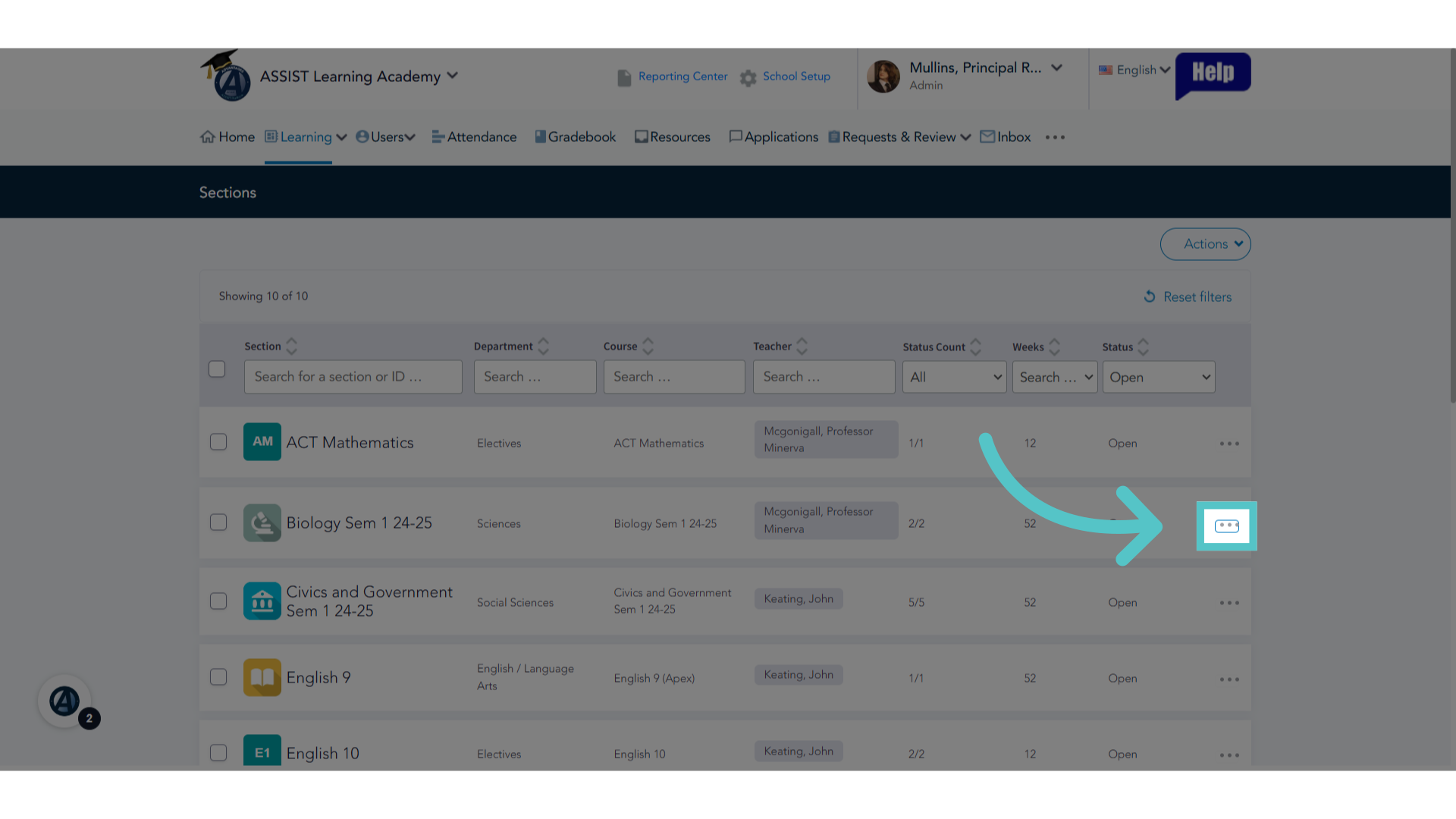
3. Click here
To edit details of a section, click the three dots to the far right of the section name.
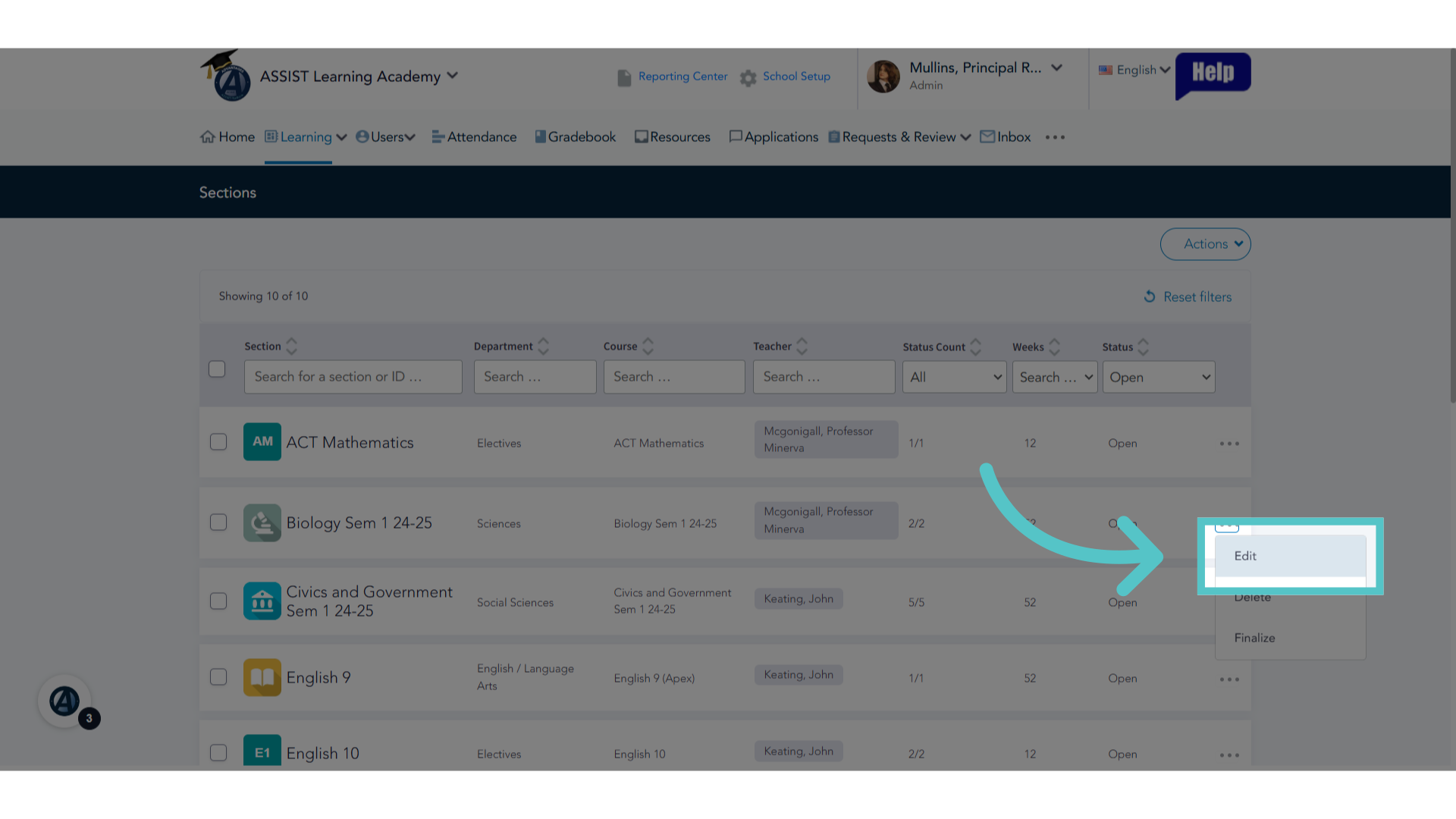
4. Click "Edit"
Initiate the editing process by selecting "Edit" from the dropdown menu.
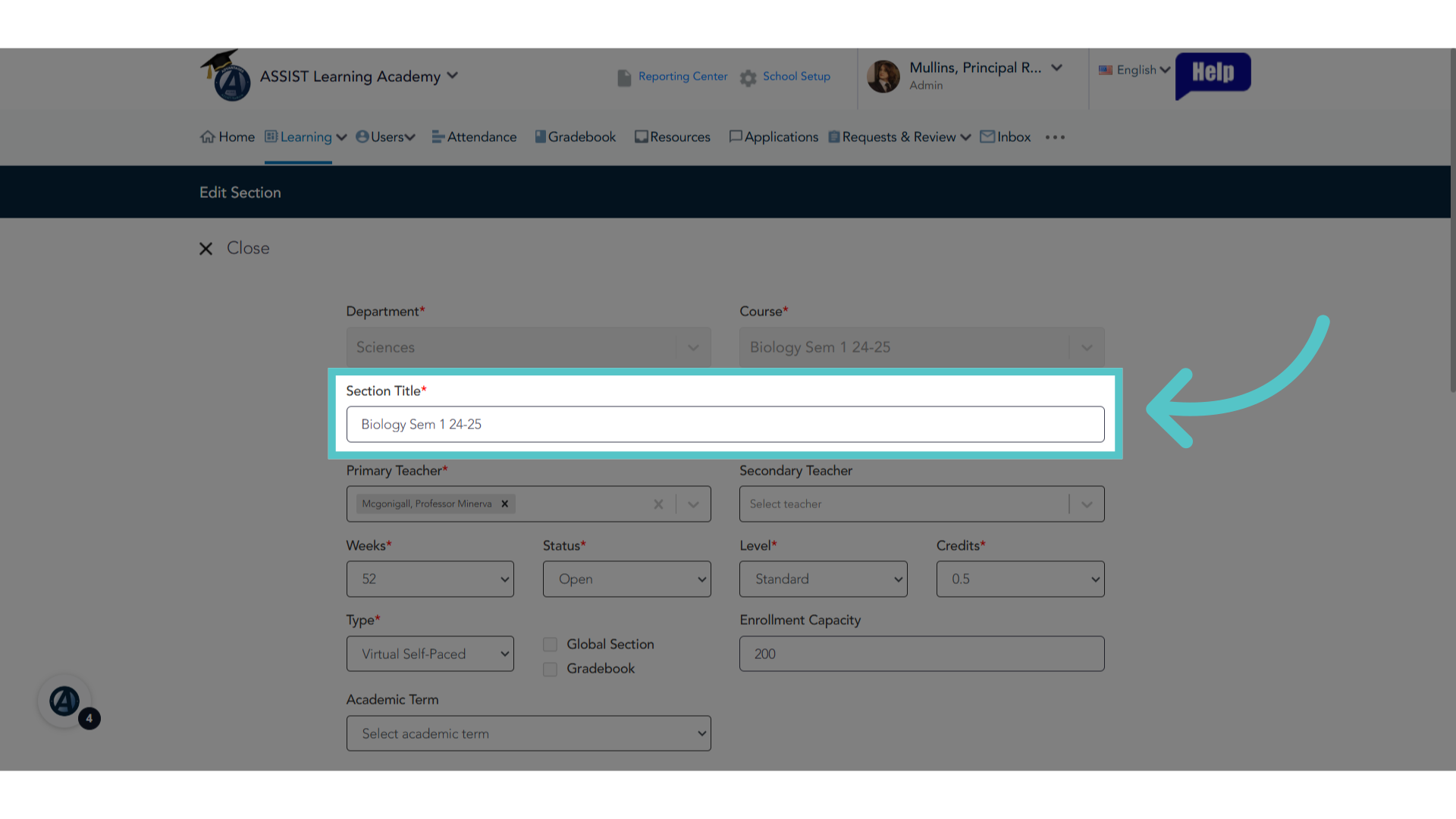
5. Edit Section Title
This will open the section details for editing. Click on available fields to change information, such as the section title.
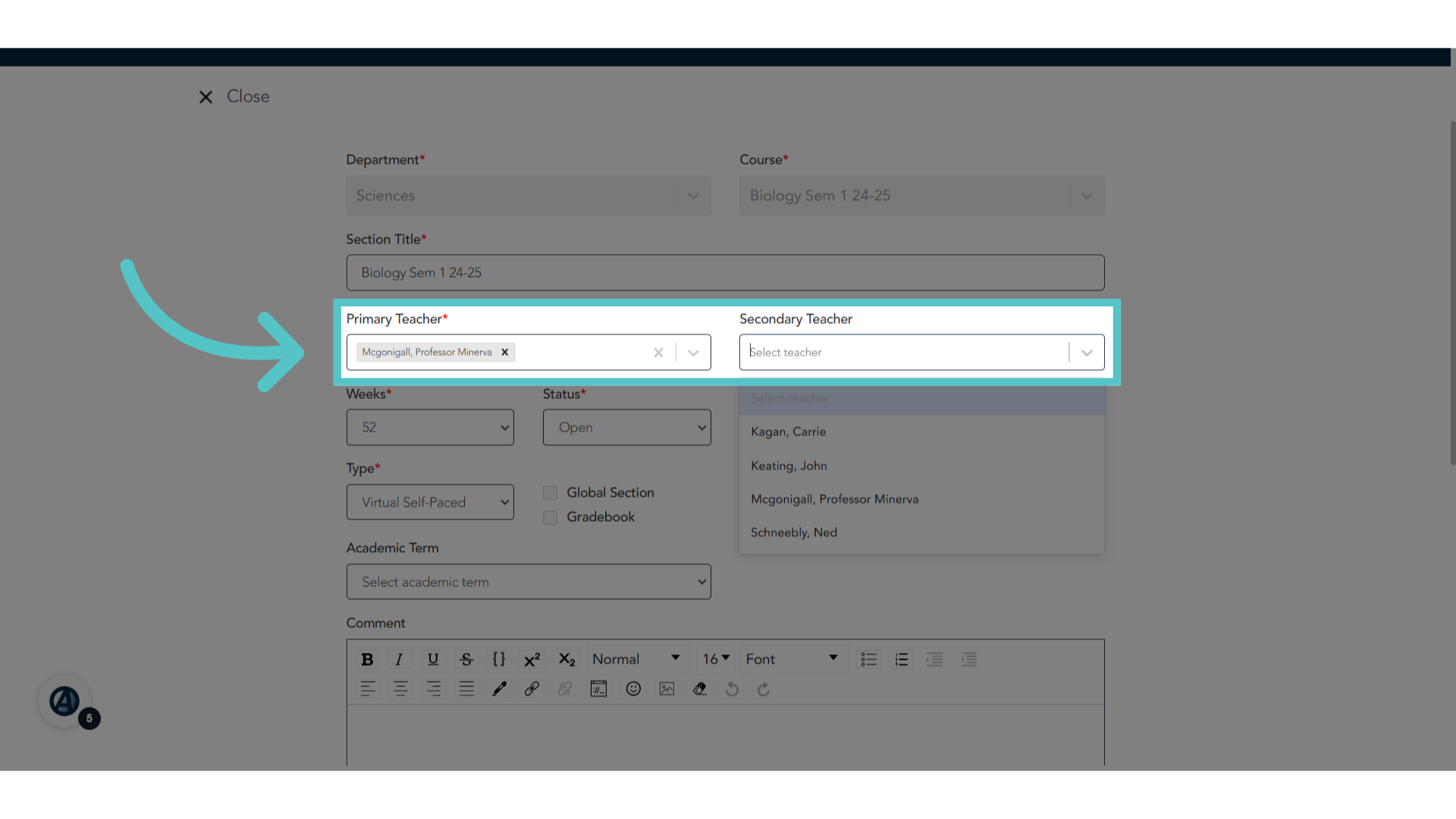
6. Teachers
Add or change primary or secondary teachers.
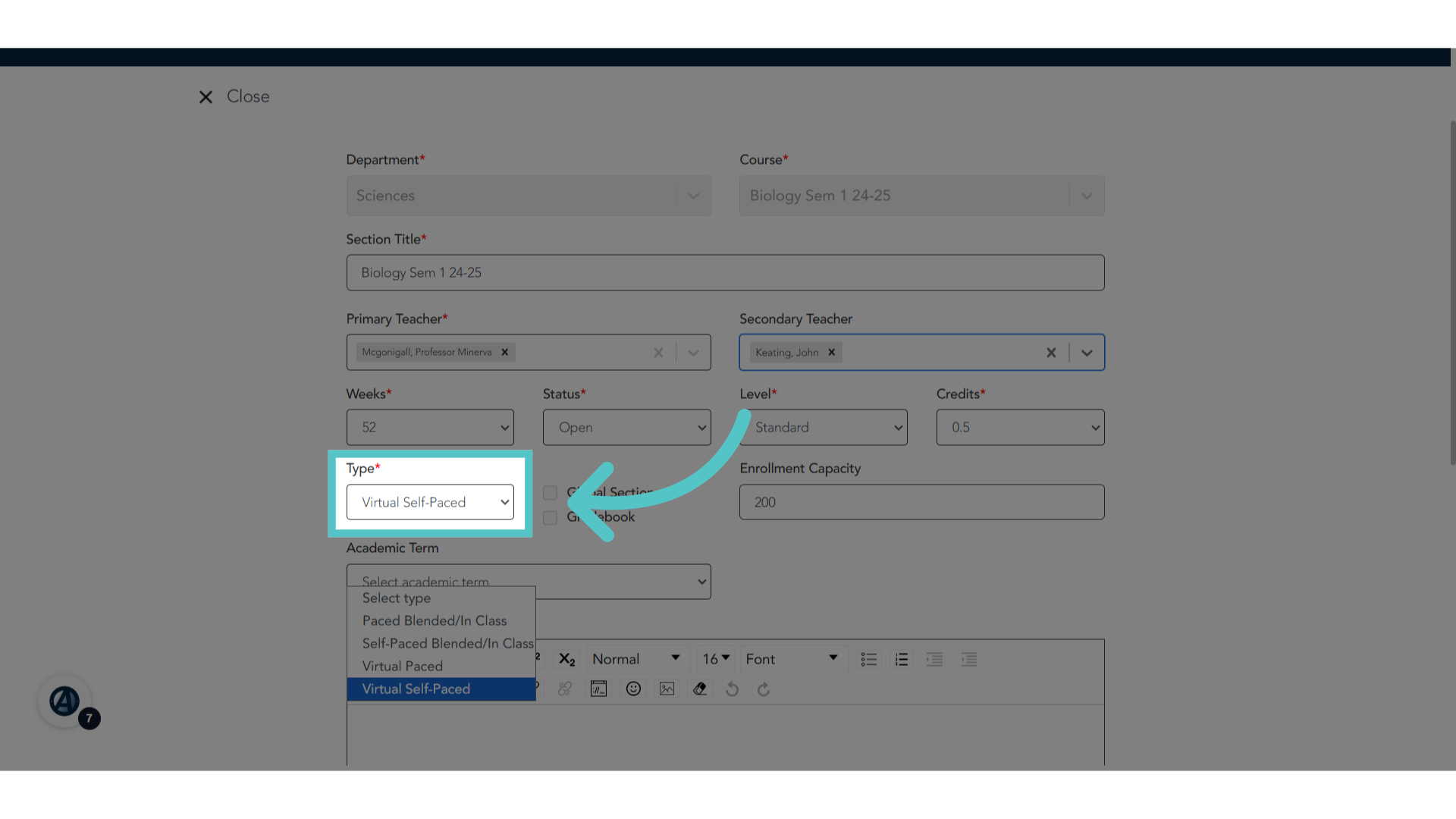
7. Section Type
Change the section type to add or remove attendance monitoring or due dates.
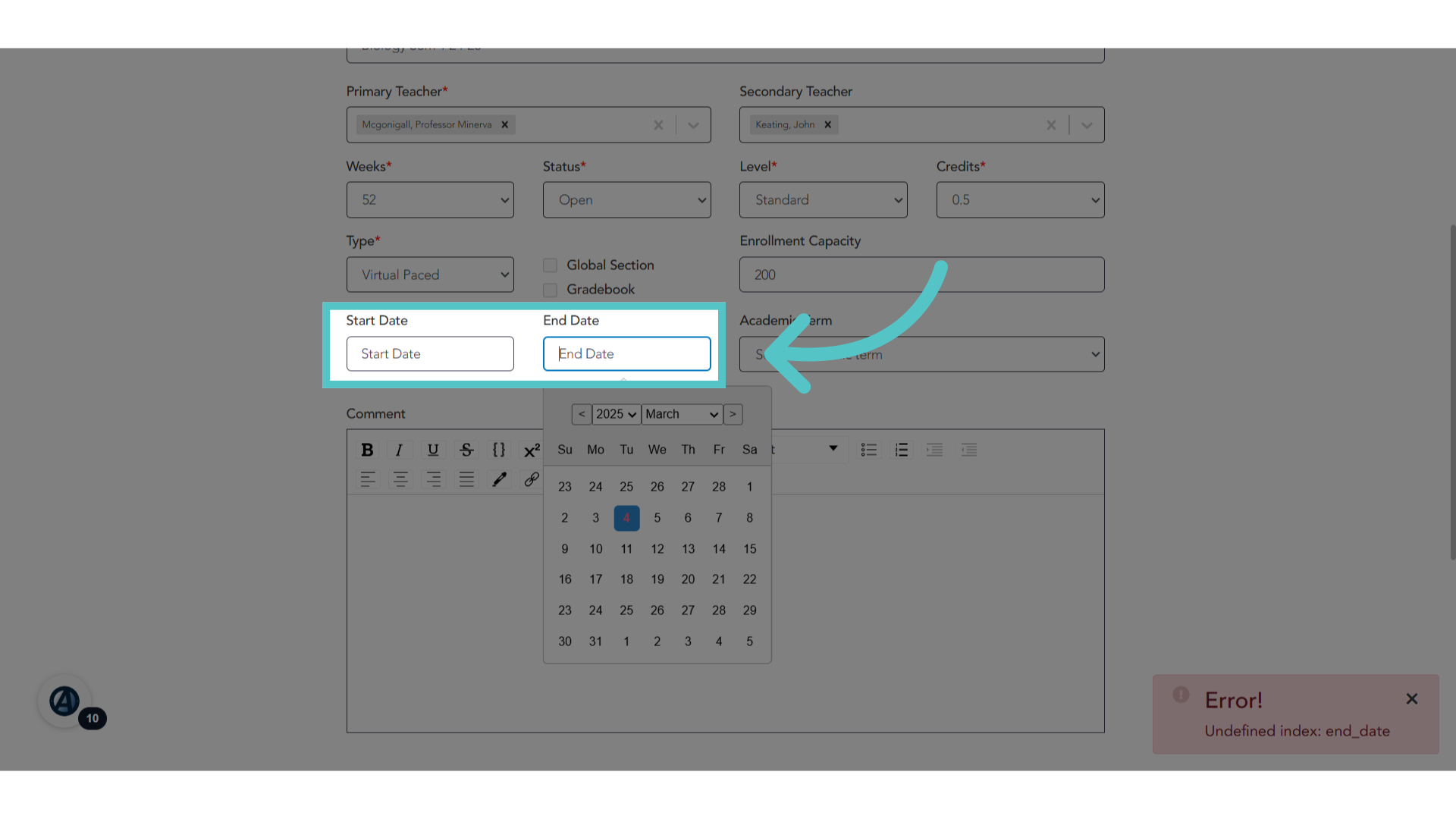
8. Set Dates
Add or change start and end dates for the section.
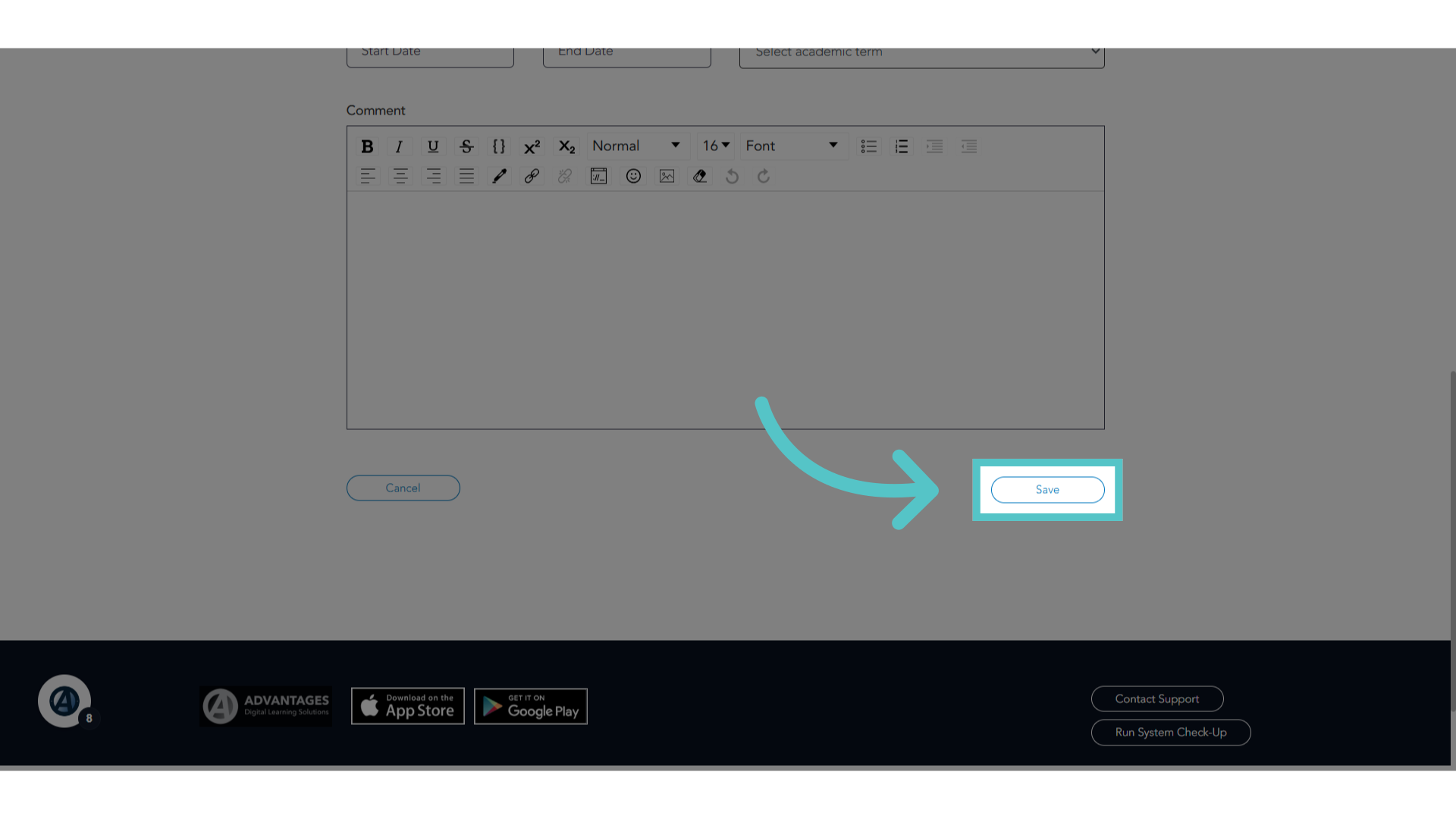
9. Click "Save"
Save the changes made by selecting "Save".
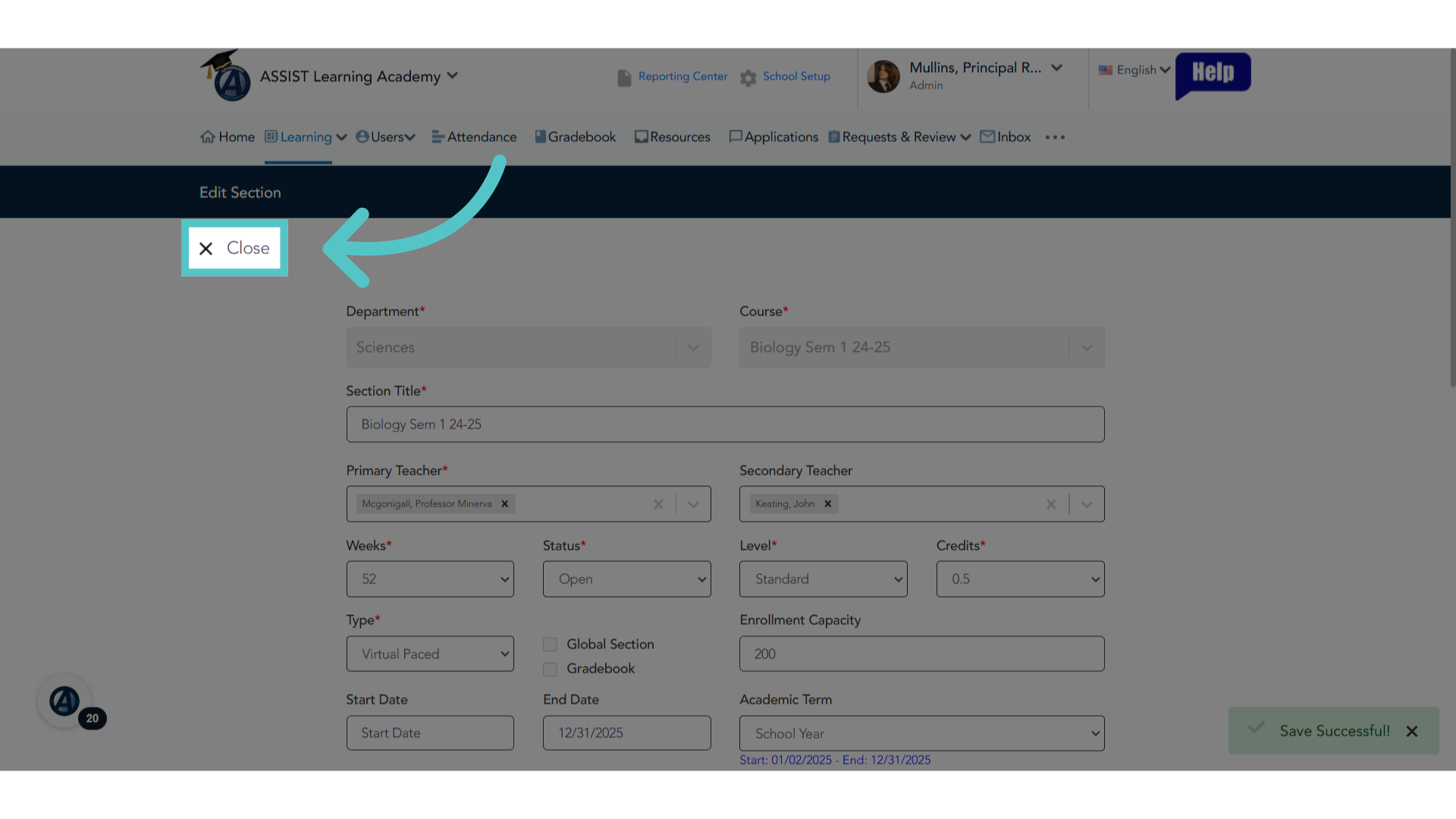
10. Click "Close"
Complete the process by selecting "Close".
If you have any questions about the information in this tutorial, please click "Contact Support" to submit a help request. Contact Support