Expand to Full Screen for Best Viewing
Self- Study courses in Lincoln Learning will automatically complete when a student submits the final activity. To prevent this from happening, teachers can change the course settings for manual completion.
Go to portal.adlsassist.com
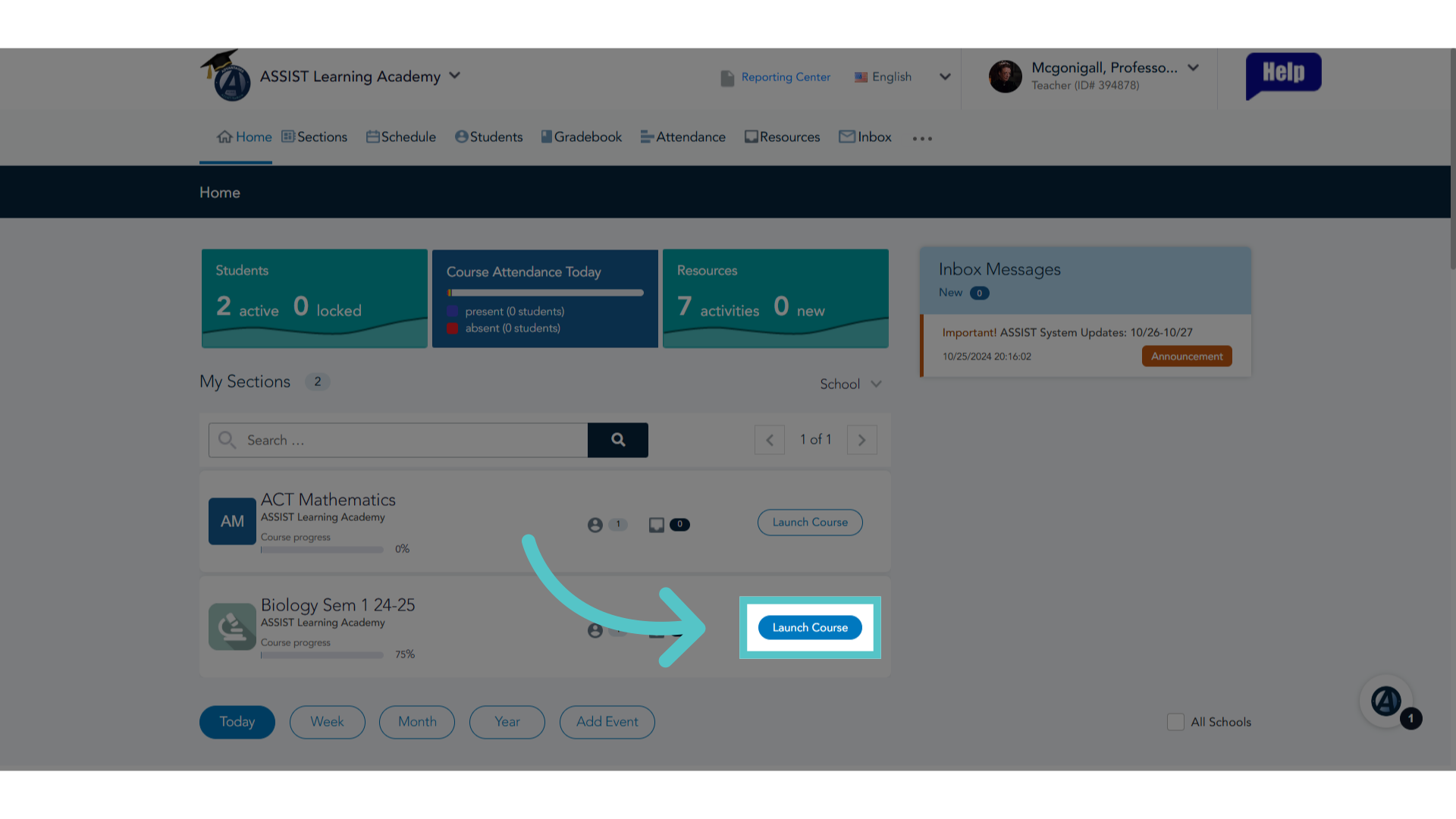
1. Click "Launch Course"
Launch the course.
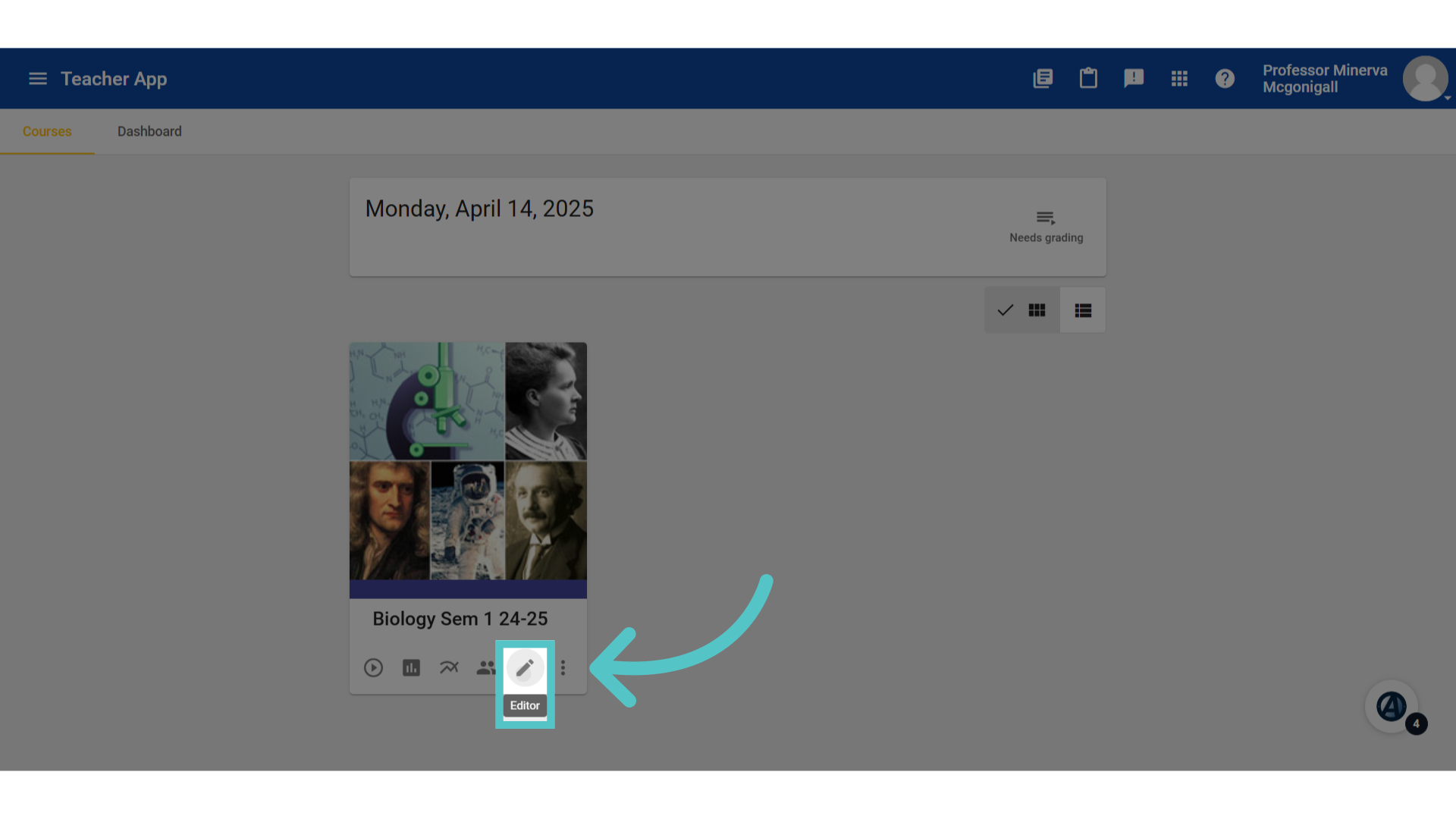
2. Click "edit"
Select the course "Editor."
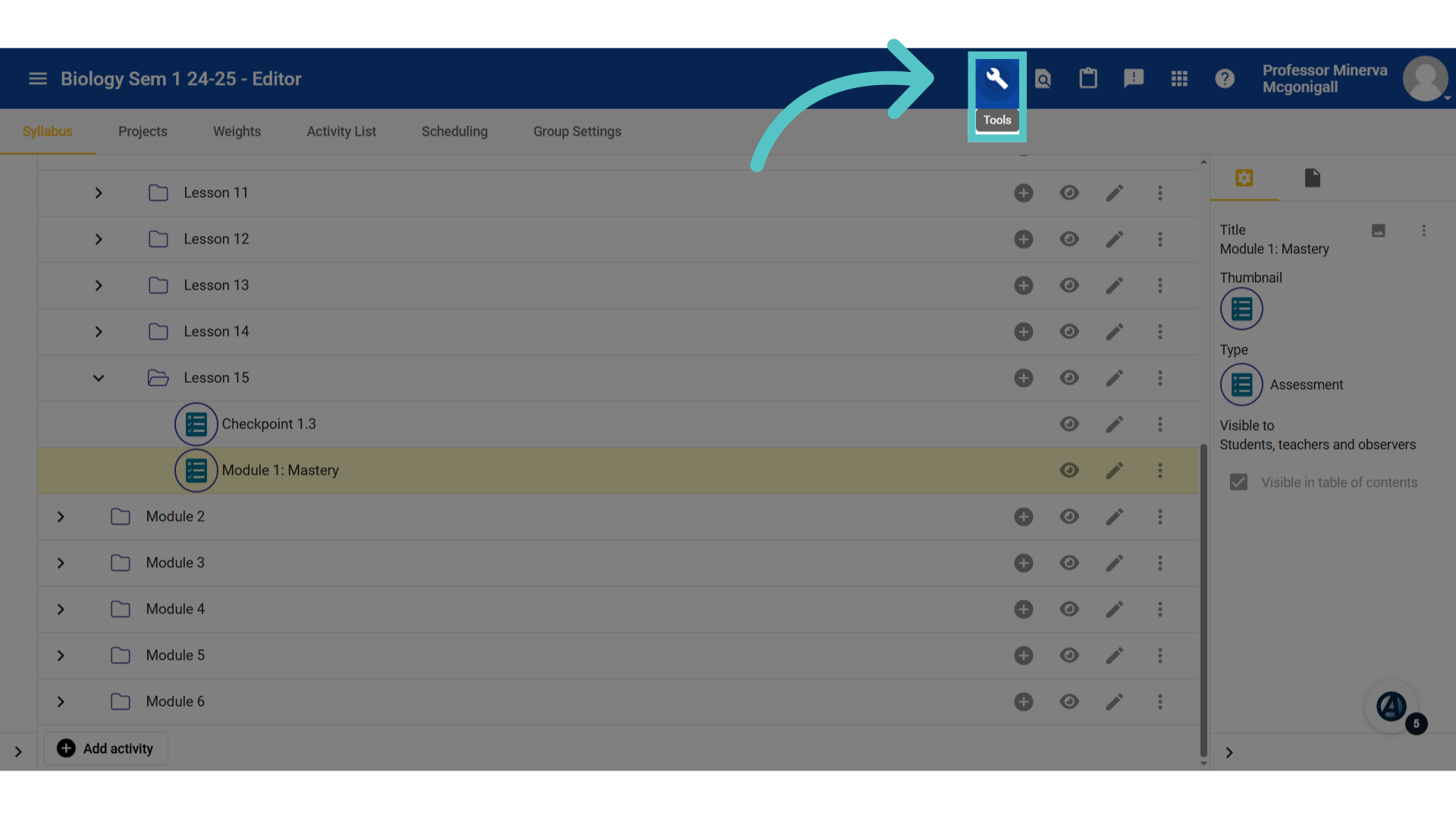
3. Click "Tools"
Click the "Tools" icon.
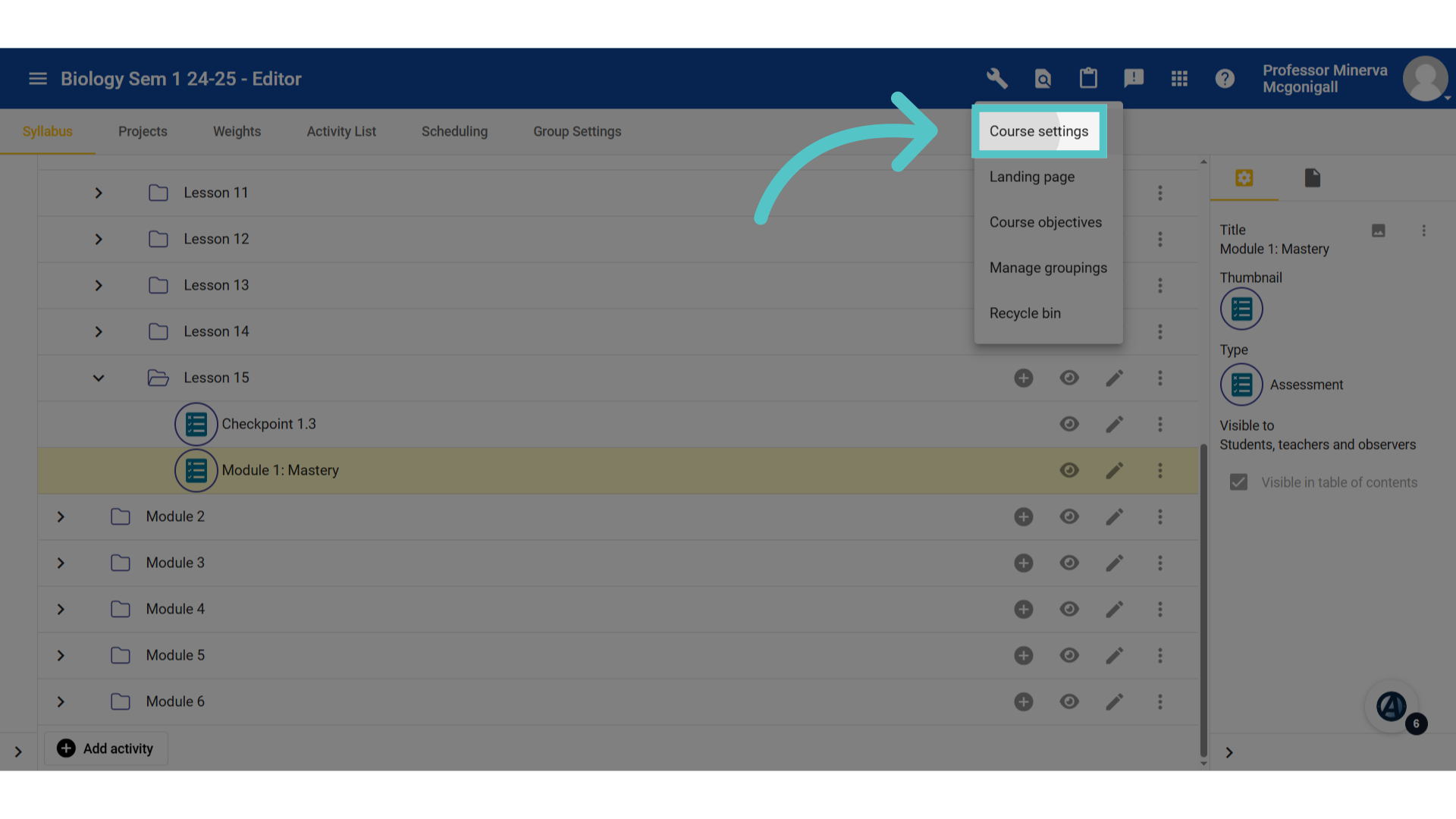
4. Click "Course settings"
Open "Course settings."
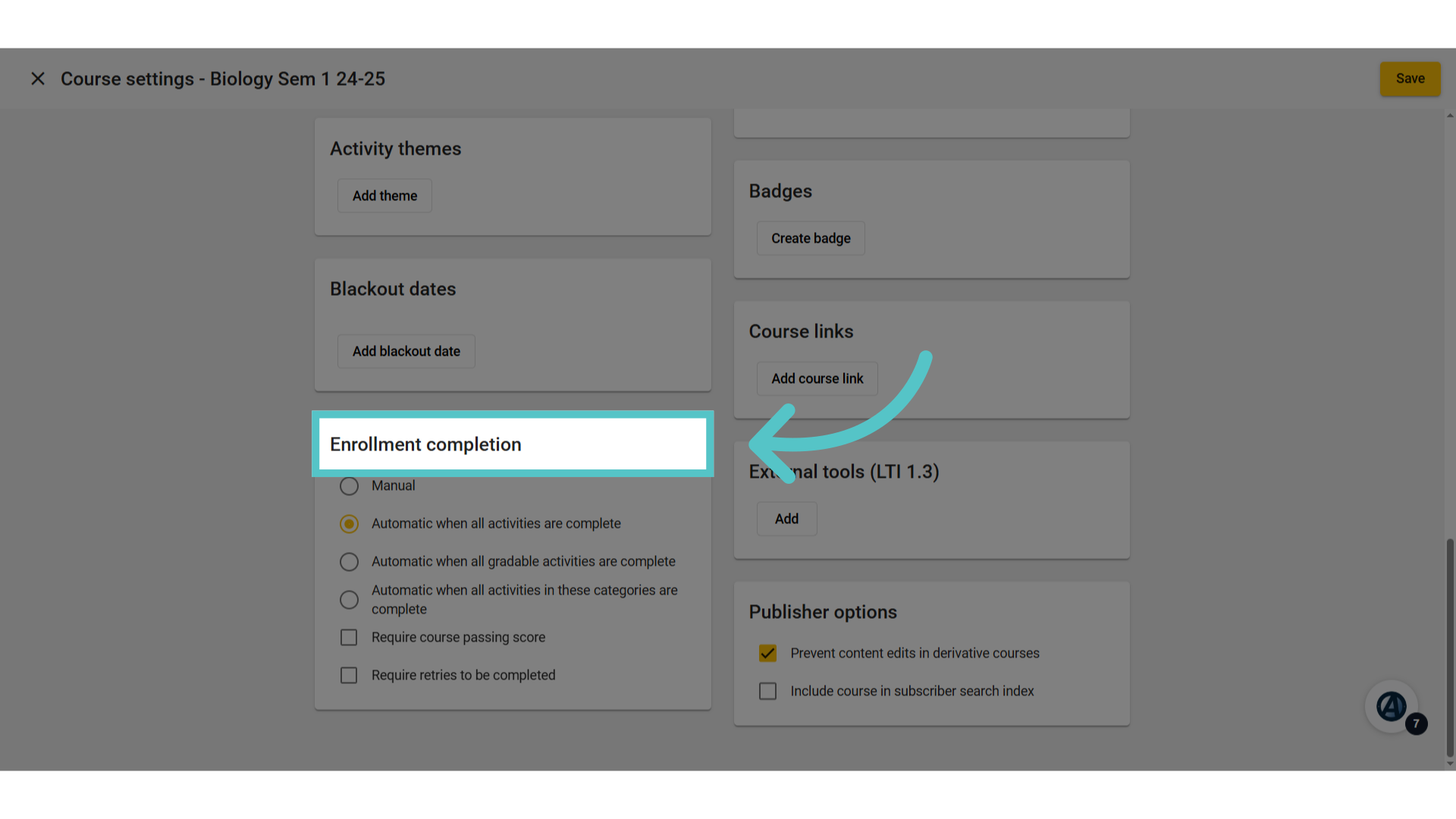
5. Enrollment completion
Scroll down the page to find the Enrollment Completion tile.
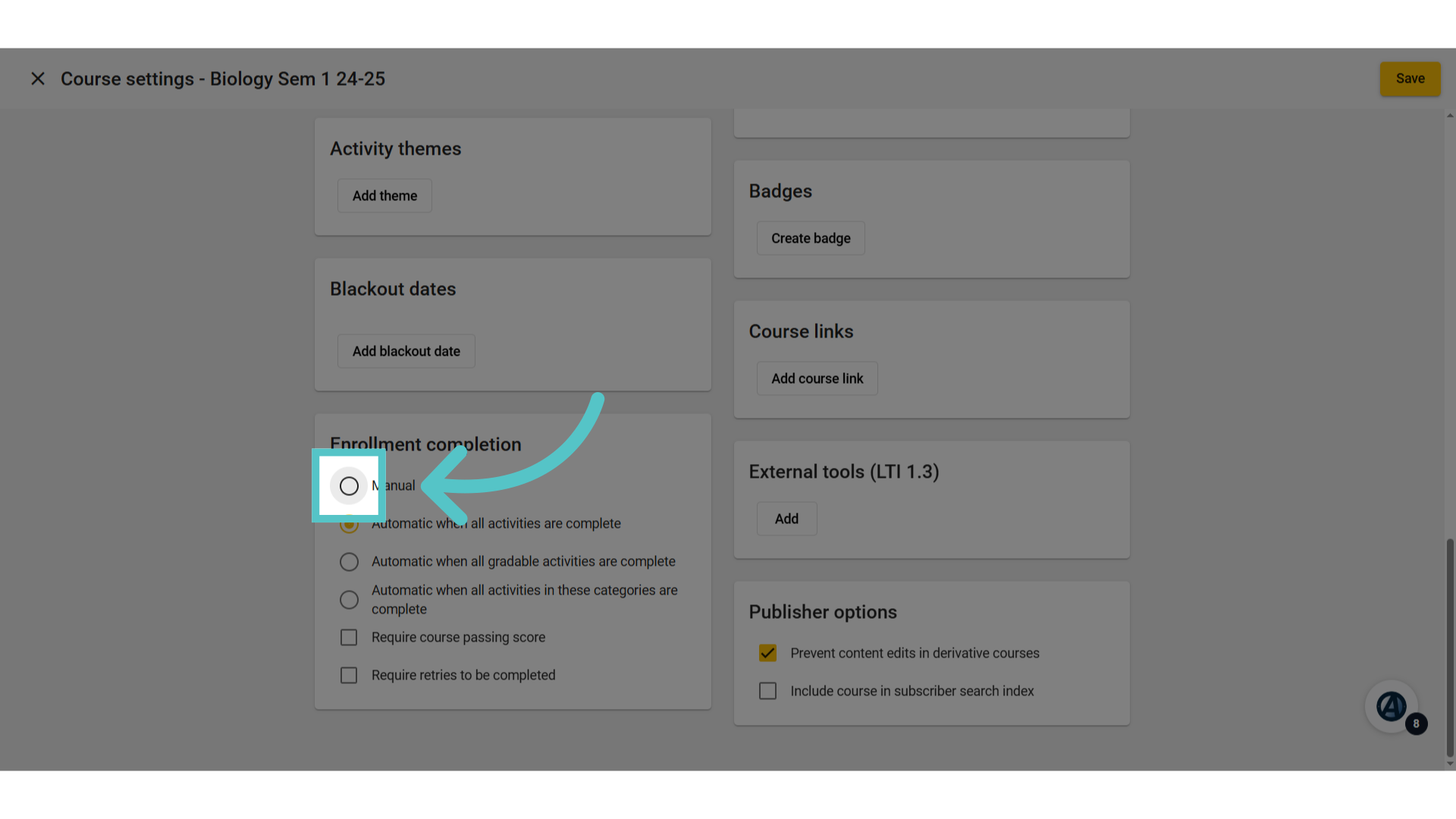
6. Click "Manual"
Select "Manual."
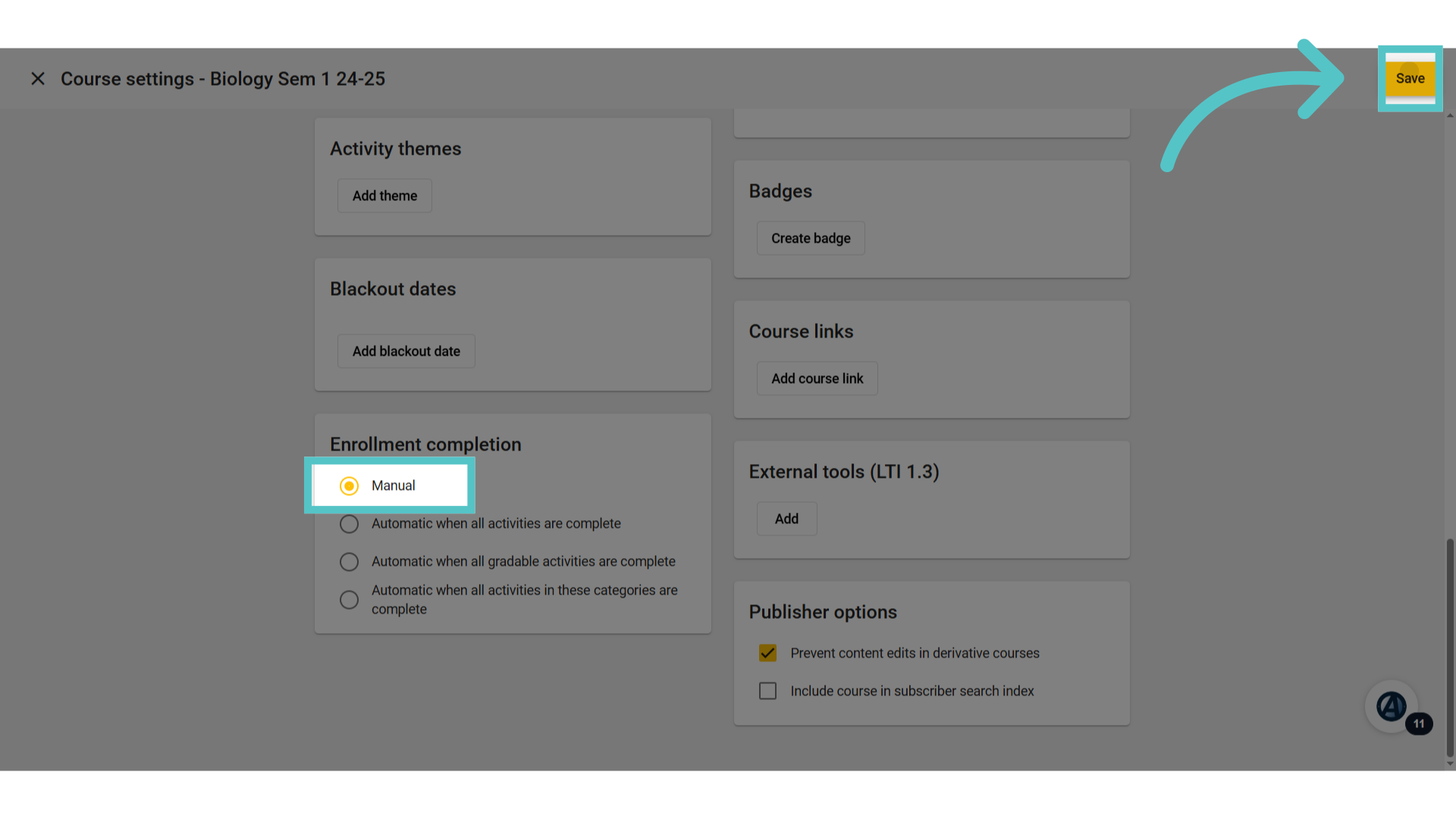
7. Click "Save"
Save the changes. The course will now remain open and accessible until the teacher enters and submits a final grade. You can see that tutorial by clicking below. Enter Final Grade
If you have any questions about the information in this tutorial, please contact your dedicated school success manager for additional support.